
Collect responses
See who has responded, who needs a reminder, and what is ready to move forward.
What “collect” means in QB-EDGE™
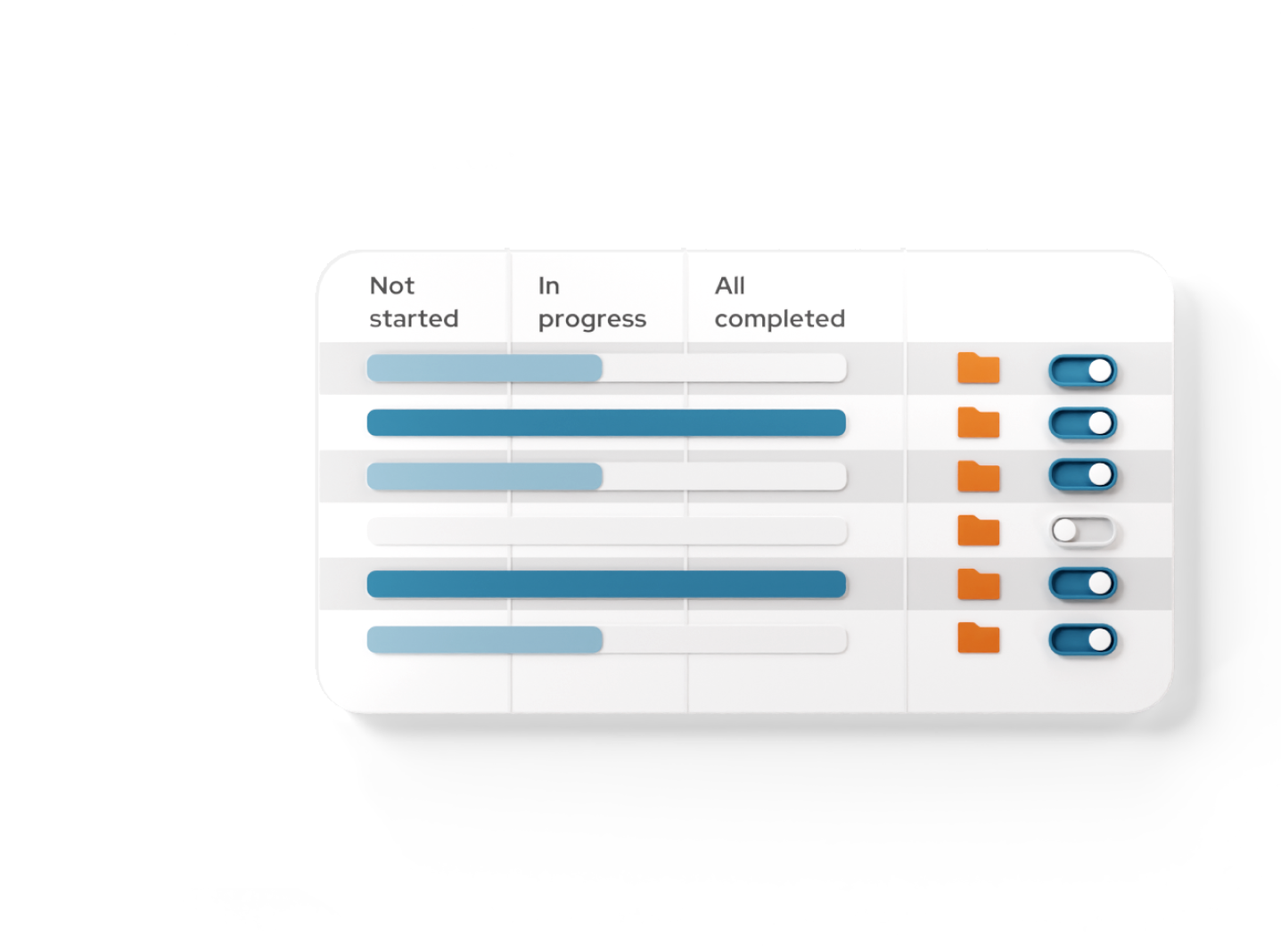
The collect phase is where questionnaire responses are received, tracked, reviewed, and managed after distribution. It provides a consolidated view of submission progress, response status, and reviewer actions across all recipients.
Instead of chasing updates through emails or spreadsheets, teams can monitor data collection in real time and intervene only where needed.
How collect responses works
Track and oversee
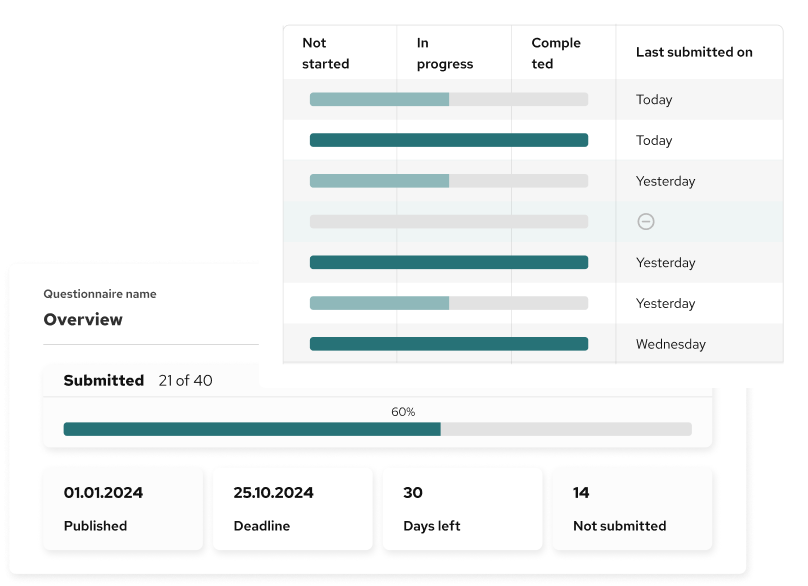
Real time updates to keep you inform on all respondents progress
Instantly see how many responses are completed, in progress, or still outstanding. Deadlines and days remaining are clearly visible, helping you stay on schedule and avoid last-minute surprises.

Review responses with confidence
Approve or request changes easily
As responses come in, review submitted data, approve completed entries, or request corrections when something is missing or unclear. Clear status labels show exactly what needs attention next.
Follow up without manual effort
Send reminders to the right people
Send reminders to individual recipients or multiple companies at once. Bulk actions make follow-up simple and consistent, even across large reporting groups.

Stay informed automatically
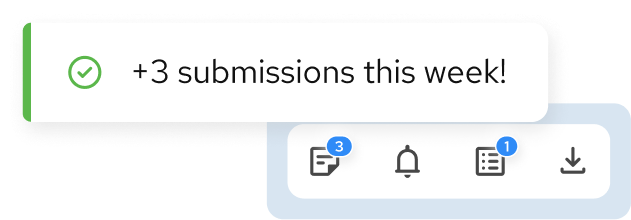
Get notified when new data arrives
Automatic notifications alert you when new responses are submitted, so you can focus on reviewing data instead of constantly checking progress.

Questions related to responses collection
What happens when someone submits their questionnaire?
Once a questionnaire is submitted, it appears immediately in the Collect view with its current status. You can review the response, approve it, or request corrections if information is missing or unclear.
Can I see who has not responded yet?
Yes. You can clearly see which recipients have not started, are still in progress, or have completed their responses. This makes it easy to focus follow-up efforts where they are needed most.
Can I send reminders automatically?
Yes. You can send reminders to individual recipients or to multiple companies at once. Reminders can also be scheduled before the deadline to reduce manual follow-up.
How do approvals and corrections work?
After reviewing a response, you can approve it if everything is complete or request corrections if changes are needed. The respondent is notified and can update their submission directly.
Can I manage responses from internal and external users?
Yes. The Collect step supports both internal users and external recipients, including multiple companies or entities, within the same questionnaire distribution.
Is there a way to act on multiple responses at once?
Yes. Bulk actions allow you to select several respondents and perform actions such as sending reminders or exporting responses, saving time when managing large reporting groups.
How do I know when new responses arrive?
You receive notifications when new responses are submitted, so you can stay informed without constantly checking the system.
Does this replace email follow-ups and spreadsheets?
Yes. Collect responses centralises tracking, review, and follow-up in one place, reducing reliance on emails, manual trackers, and disconnected spreadsheets.