
Create templates
Structure once. Search intelligently. Deploy at scale.
What is the template builder
The QB-EDGE™ template builder enables users to create structured, reusable questionnaires by organising sections, subsections, and questions in a clear hierarchy.
Templates define:
- sections and subsections
- question types and formats
- data validation rules
- evidence and documentation requirements
- alignment to regulatory and internal frameworks
Each template acts as a controlled data-collection model, reusable across companies, funds, and reporting cycles.
How create templates works
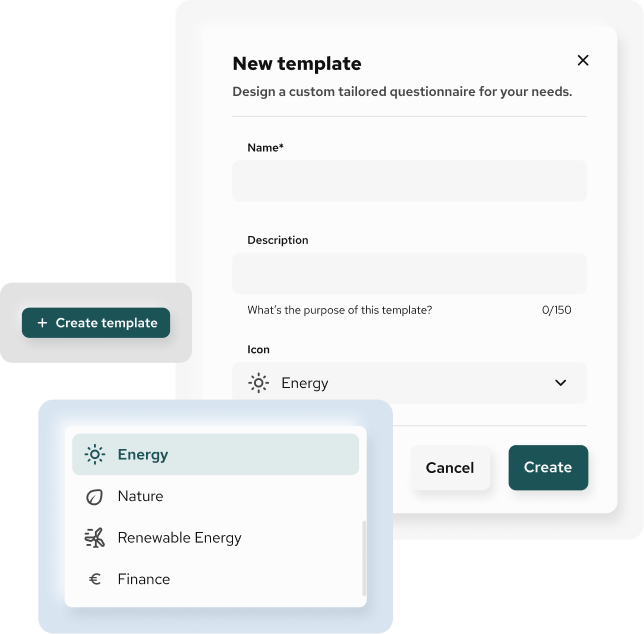
Build a structured hierarchy
Save time by reusing the same template structure across cycles
Users create templates by defining:
- sections (e.g. operations, finance, risk, environmental, governance)
- subsections (e.g. water consumption, supplier screening, internal controls)
- questions within each subsection
This structure mirrors how complex information is typically organised, making questionnaires intuitive to complete and easy to review.
Import or create questions
Receive the right data through the right question
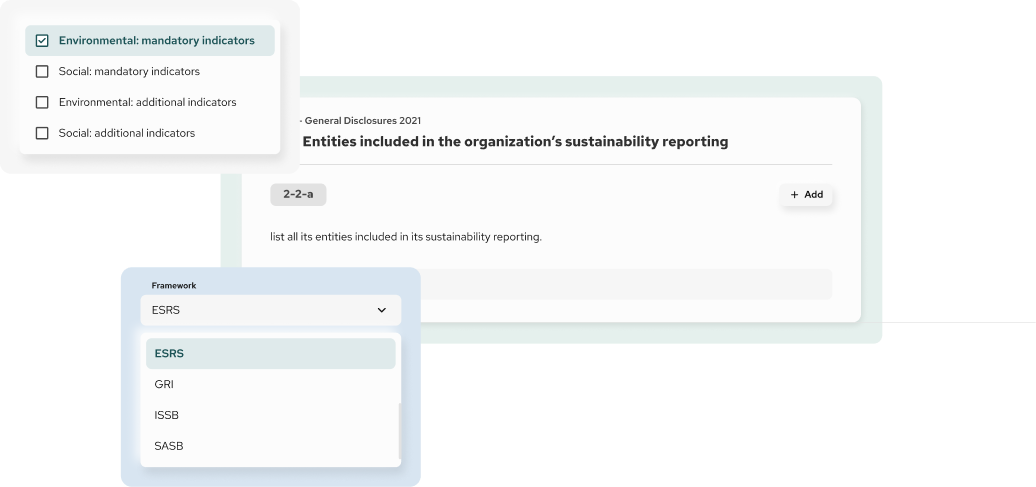
Users can populate templates in two ways:
- create new questions from scratch
- import predefined questions from universal frameworks available in the system
This allows teams to combine custom internal requirements with standardised external references in a single template.
Use structured question types
Choose the right input type for every question
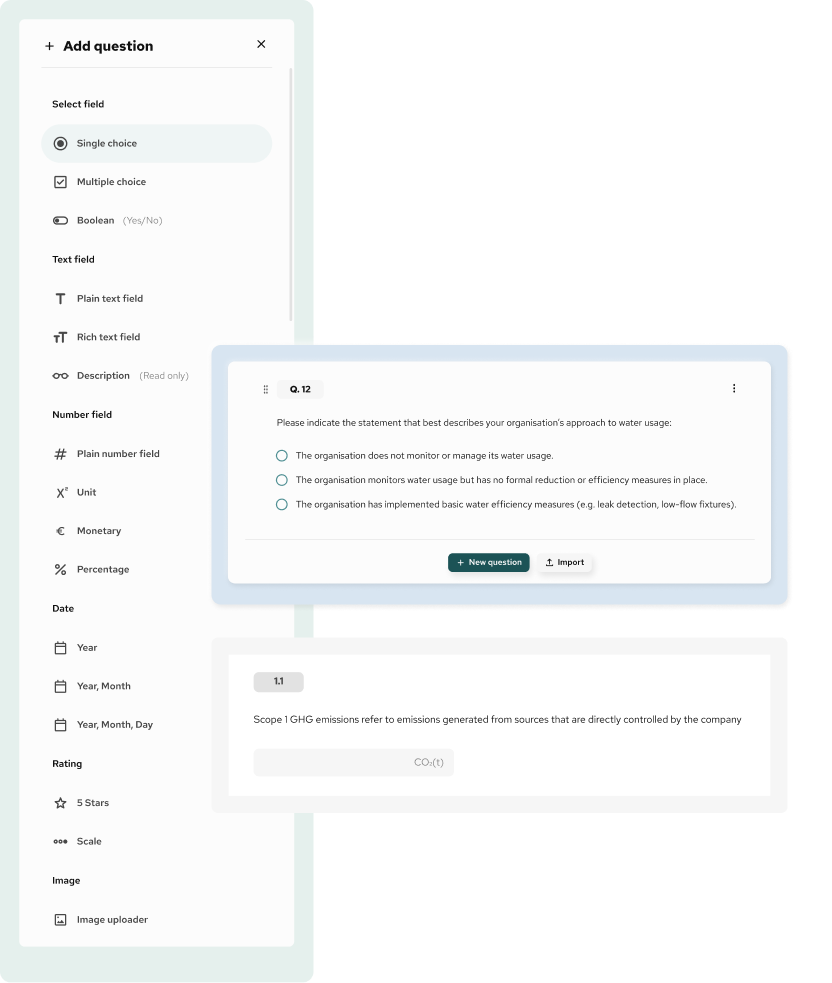
Each question in QB-EDGE™ is created using a wide range of predefined field types, allowing users to capture information in the most appropriate, consistent, and controlled format.
Users can choose from more than 15 structured field types, including:
- single choice and multiple choice
- yes / no (boolean) responses
- plain text and rich text inputs
- numeric values with units
- monetary values with currency
- percentages
- dates (year, month, full date)
- read-only description fields
- calculated or derived values
- file and evidence uploads
Build KPI calculation logic
Define how KPIs are calculated from collected data
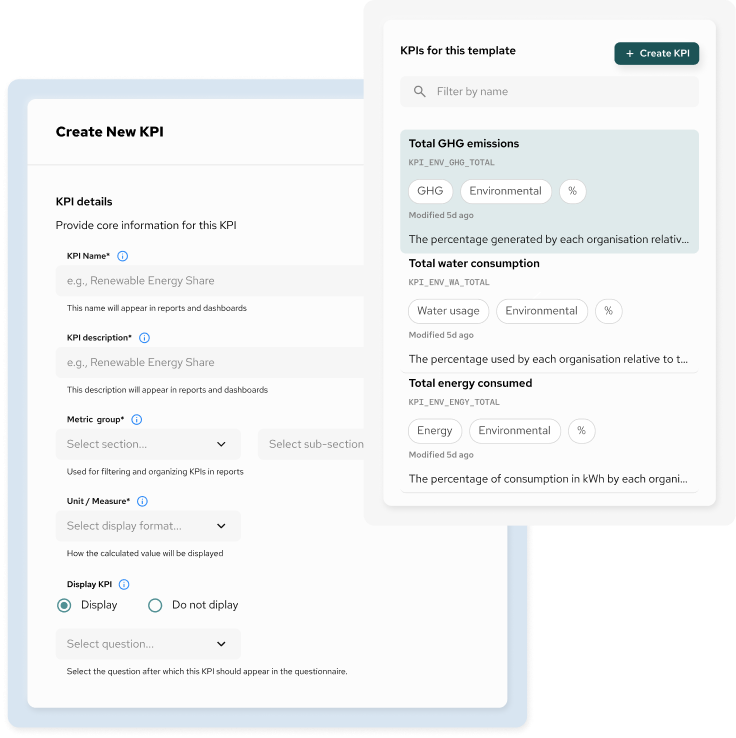
QB-EDGE™ provides a KPI logic builder that allows teams to define how each KPI is calculated from questionnaire data before any reporting or analysis takes place. Users can either pass values directly from a source field or create custom calculation expressions using predefined field codes, with built-in validation for inputs, operators, and reporting periods.
This approach gives full control over KPI definitions, supports transparent calculation logic, and reduces reliance on external spreadsheets or manual post-processing.
Learn moreAutomate distribution
Run recurring data collection without manual follow-up
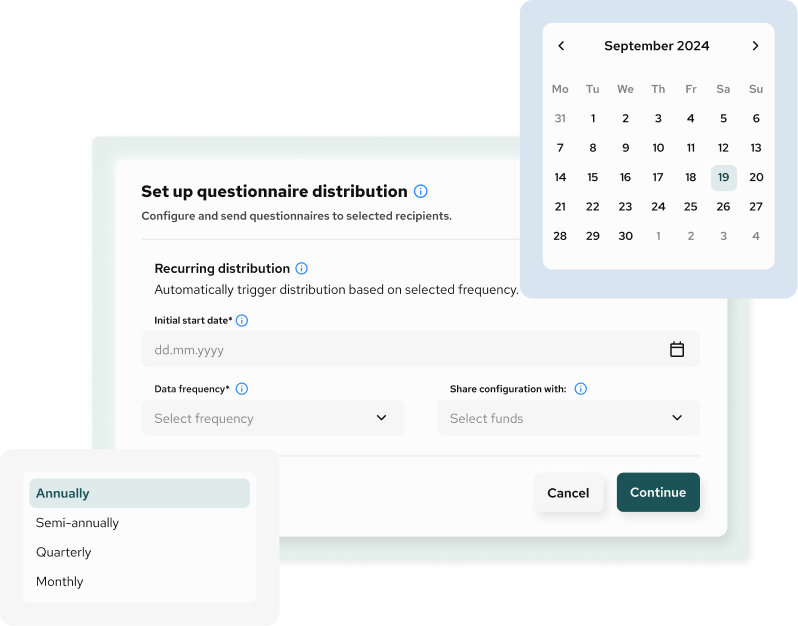
QB-EDGE™ supports automated questionnaire distribution, allowing teams to schedule when questionnaires are sent, define recurrence, and manage reminders from a single workflow.
Users can configure distributions based on predefined frequencies such as monthly, quarterly, or annual cycles, and trigger recurring data requests without rebuilding or resending questionnaires manually.
Questions related to Template Creation
What is the QB-EDGE™ template builder?
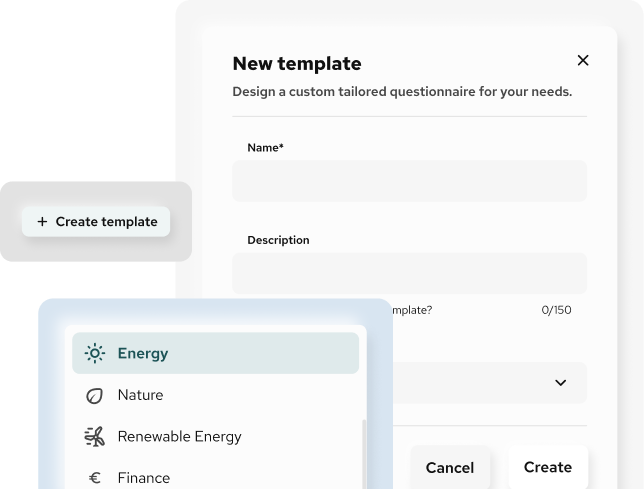
The template builder is a tool that allows you to design structured questionnaires using sections, subsections, and predefined question types. Templates can be reused across teams, entities, and reporting cycles to support consistent and controlled data collection.
How is this different from using Excel or spreadsheets?
Unlike spreadsheets, templates in QB-EDGE™ enforce structure, data types, and validation at source. This reduces manual errors, avoids inconsistent formats, and removes the need for post-collection consolidation or rework.
Can templates be reused across multiple entities or periods?
Yes. Templates are designed to be reused across multiple entities and reporting periods. You build the structure once and deploy it repeatedly without recreating questionnaires.
Can I create my own questions?
Yes. You can create custom questions tailored to your internal requirements, choosing from more than 15 predefined field types to capture data in the appropriate format.
Can I import predefined questions instead of creating them manually?
Yes. QB-EDGE™ provides access to predefined question sets from universal frameworks stored in the system. You can select and insert these questions directly into your templates and adapt them if needed.
What types of question fields are supported?
QB-EDGE™ supports more than 15 predefined field types, including text, numeric values, units, currency, percentages, dates, yes/no fields, multiple choice, read-only descriptions, and calculated values. This allows both qualitative and quantitative data to be collected in a structured way.