
Distribute questionnaires
Control when, how, and to whom data requests are sent
What distribution means in QB-EDGE™
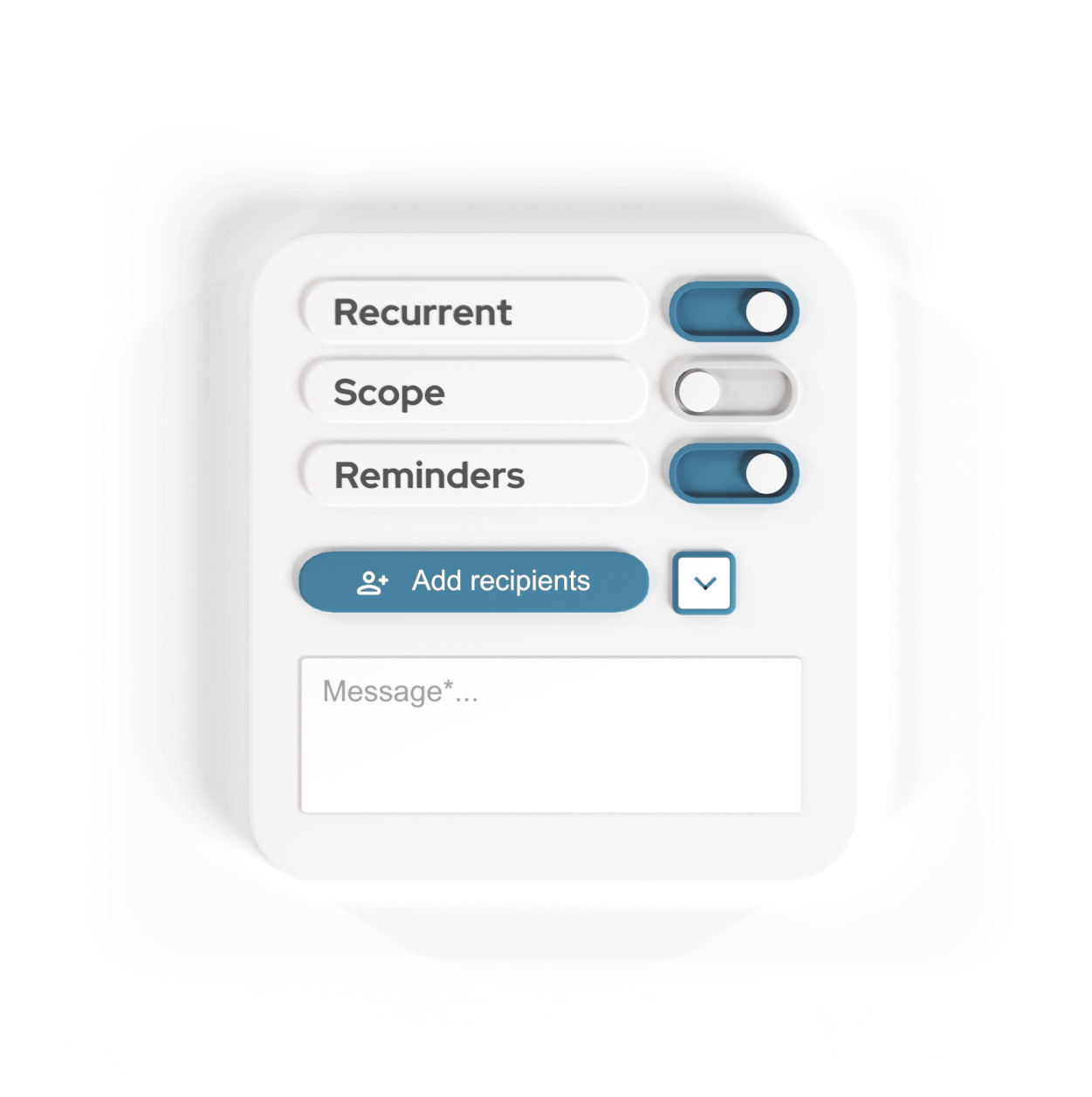
The distribution feature in QB-EDGE™ controls how questionnaires are sent to internal and external recipients. It defines recipients, timing, recurrence, reporting scope, and reminders for structured data collection across entities and reporting periods. Distribution settings can be reused across cycles, reducing manual follow-up and keeping data requests aligned with reporting timelines.
How distribution works
Configure the distribution
Define what is sent and how often
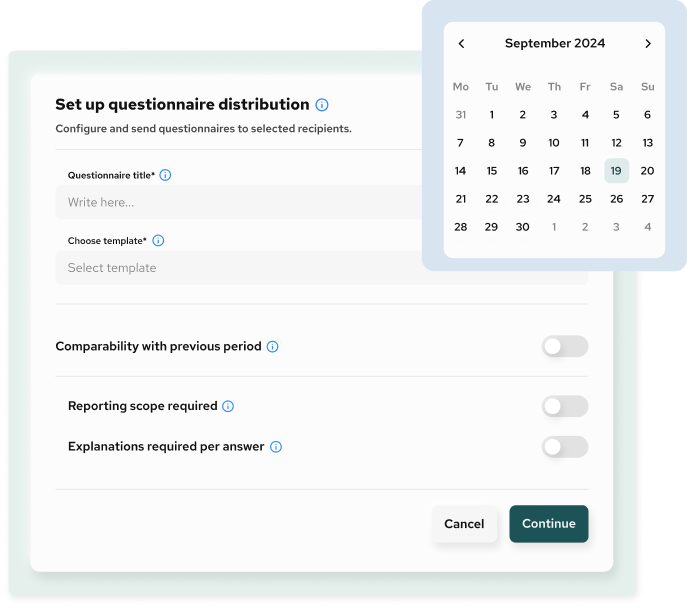
Distribution configuration sets the core parameters for each questionnaire run. This includes assigning a distribution name, selecting the questionnaire template, and defining whether the request is one-off or recurring.
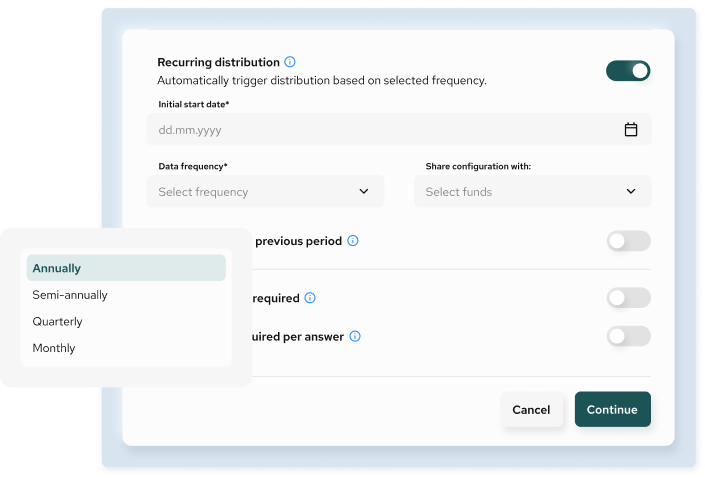
For recurring distributions, you define the start date, reporting frequency (monthly, quarterly, or annual), and automated triggering based on the selected cadence. These settings ensure a controlled, repeatable data-collection process aligned with reporting requirements.
Set reporting requirements
Standardise how recipients provide data
Distribution settings define how responses are submitted by applying optional reporting requirements. These include reporting scope selection (such as entity, branch, or organisational unit), mandatory explanations per answer, and alignment with previous reporting periods.
Together, these settings improve data completeness and reduce follow-up clarification cycles.
Select recipients and timing
Control who receives the questionnaire and when
Users can define:
- reporting year
- response deadline
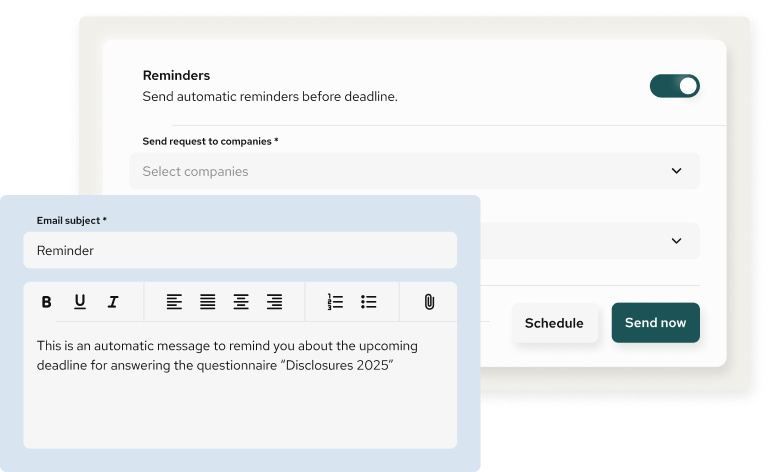
- reminder schedules before the deadline
Questionnaires can be sent to:
- internal users
- external users
- multiple companies or entities simultaneously
This supports both centralised and distributed data-collection models.
Recurring vs non-recurring distribution

Non-recurring distribution
Used for one-off data requests, ad-hoc reviews, exceptional reporting exercises, or any one-time data gathering.

Recurring distribution
Used for periodic data collection, where the same questionnaire is sent automatically at defined intervals with consistent configuration.
Recurring distribution reduces manual effort and supports longitudinal data consistency.
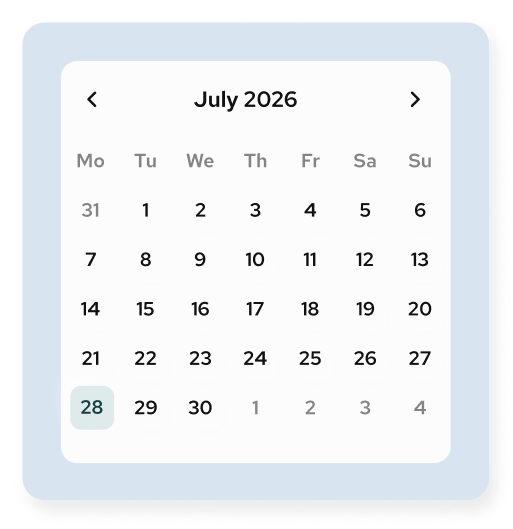
Send or schedule
Execute immediately or automate delivery
Once configured, questionnaires can be:
- sent immediately
- scheduled for a future date
- executed automatically as part of a recurring distribution
All distribution actions are logged and visible in the system for tracking and follow-up.
A better way to collect data
Automate questionnaires, track responses across teams and entities, and reduce manual follow-up throughout the reporting cycle.
Talk to our team
Questions related to questionnaire distribution on QB-EDGE™
What does “distribution” mean in QB-EDGE™?
Distribution refers to how questionnaires are configured, scheduled, and sent to recipients. It controls timing, frequency, reporting scope, recipients, deadlines, and reminders for structured data collection.
What is the difference between recurring and non-recurring distribution?
A non-recurring distribution is a one-off questionnaire sent for a specific reporting need or ad-hoc request.
A recurring distribution automatically sends the same questionnaire at predefined intervals (e.g. monthly, quarterly, annually) based on a configured frequency and start date.
Can I schedule questionnaires to be sent automatically?
Yes. For recurring distributions, questionnaires are triggered automatically based on the selected frequency and start date. No manual action is required after initial setup.
Can I send questionnaires immediately or at a later date?
Yes. Questionnaires can be sent immediately or scheduled for future delivery, depending on the configuration selected during setup.
Who can receive questionnaires?
Questionnaires can be sent to:
- internal users
- external users
- one or multiple companies or entities
This supports both internal reporting and external data collection scenarios.
Can I control deadlines and reminders?
Yes. Each distribution includes:
- a defined response deadline
- optional automatic reminders sent before the deadline
This helps improve response rates and timeliness.
What is “reporting scope required”?
When enabled, recipients must specify the organisational scope of their responses (e.g. entity, branch, or unit). This helps standardise how data is reported and supports scope-based aggregation.
What does “comparability with previous period” mean?
When enabled for recurring distributions, recipients are prompted to provide data that can be compared with previous reporting periods. This supports period-over-period analysis and consistency.
Can I require explanations for answers?
Yes. You can require recipients to provide explanations for each answer. This is useful when additional context or justification is needed for review or audit purposes.
Can the same distribution settings be reused?
Yes. Distribution configurations can be reused across reporting cycles, especially for recurring distributions. This reduces setup time and improves consistency.
Can distribution settings be shared across funds or groups?
Yes. Distribution configurations can be shared with selected funds or groups, allowing consistent setup across multiple reporting entities.
How do I track the status of distributed questionnaires?
Each questionnaire distribution displays a status indicating progress, such as in progress, accepted, ready for review, or rejected. This allows teams to monitor completion and follow up where needed.
Can I resend or adjust a distribution after it has been created?
You can adjust distribution settings before execution. Once a questionnaire has been sent, changes depend on the distribution state and may require a new distribution instance.
Is distribution limited to ESG questionnaires?
No. Distribution is framework-agnostic and can be used for any structured questionnaire, including financial, operational, compliance, risk, or internal reporting use cases.
Does distribution replace email or form tools?
Distribution does not replace email communication tools, but it centralises and standardises how structured questionnaires are delivered and managed, reducing reliance on manual emails and ad-hoc links.
How does distribution work with templates and KPIs?
Distribution operates on predefined templates. When KPI logic is defined upstream, collected data can be used directly for calculations and reporting without additional transformation.
Is technical knowledge required to set up distributions?
No. Distribution is configured through guided steps in the user interface. No scripting or technical setup is required.
What is this feature not designed to do
The distribution feature is not:
- a survey analytics or polling tool
- an email marketing system
- a free-form form sender
It is designed for controlled, structured data collection.