
2Step 2 of 6
Build KPI calculation logic in QB-EDGE™
One formula. A figure for every respondent.
Building KPI logic is the second step in QB-EDGE™ by Generation Impact Global (GIG). The team that owns the questionnaire sets how each figure is calculated: a KPI copies one answer, or runs a formula over several. Weights on answer options turn answers into a score.
Explore QB-EDGE™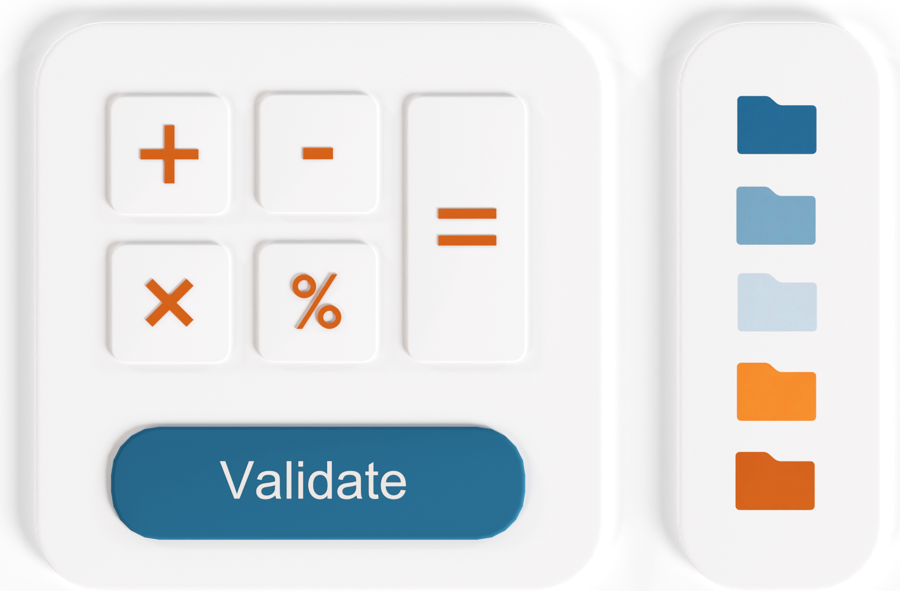
At a glance
2
ways to calculate a KPI
Copy one answer, or write a formula.
2
periods a formula can read
The current period and the previous one.
Checked
before you save
The form checks the formula first.
0 to 100
score scale
When you set weights from 0 to 100.
What is a KPI in QB-EDGE™?
A KPI is a named figure, calculated from answers.
QB-EDGE™ calculates it for each respondent, by the rule you set.
Which calculation method should I choose?
Choose “Direct input / copy” when one answer is already the figure, and “Custom calculation builder” when the figure has to be worked out.
| Direct input / copy | Custom calculation builder | |
|---|---|---|
| Takes | The value of one question | Several questions |
| Use it when | The answer is the figure | The figure must be calculated |
| Example | Total electricity | Renewable share, in % |
A calculated KPI takes a unit from the platform’s unit list.
A KPI from one answer
What can a KPI formula contain?
A KPI formula in QB-EDGE™ is written in spreadsheet style.
Arithmetic. Add, subtract, multiply, divide.
Functions. Standard spreadsheet functions, such as IF, SUM and ROUND.
This period’s answers. Several in one formula.
Last period’s answers. For change over time.
The form checks the formula before you save it.
A formula that is checked before you save
How do answer weights become a score?
You put a weight on each answer option, and QB-EDGE™ calculates the score from the options a respondent chose.
| Question type | Rule |
|---|---|
| Single choice | One weight per option |
| Multiple choice | One weight per option. The highest weight among the chosen options counts |
| Yes/no | One weight for the positive answer, one for the negative |
| Any option without a weight | Left out of scoring |
Scores appear in the Benchmark, once you accept a respondent’s questionnaire.
0 to 100. Set your weights on that scale and the scores read on it too.
Where do KPIs show up?
KPIs appear in three places.
- Renewable share35.0%
In the questionnaire. Switch on “Show in questionnaire” and the respondent sees the figure after the question you choose.
In the results. The “By KPIs” view lists the KPIs of each respondent.
In Excel. The results export includes KPIs.
One more switch: you can let respondents add a written explanation to a KPI.
Worked example
Example. The companies and figures are invented. The formula shows the idea; variable names in the product may look different.
A fund sets three KPIs on its yearly energy questionnaire.
| KPI | Method | Rule | Unit |
|---|---|---|---|
| Total electricity | Direct input / copy | Copies the answer “Total electricity used” | Keeps the answer as given |
| Renewable share | Custom calculation builder | IF(total > 0, ROUND(renewable / total * 100, 1), 0) | % |
| Change in electricity | Custom calculation builder | ROUND((total this period - total last period) / total last period * 100, 1) | % |
| Respondent | Renewable | Total | Total last period | Renewable share | Change |
|---|---|---|---|---|---|
| Demo company A | 420 MWh | 1,200 MWh | 1,500 MWh | 35.0% | -20.0% |
| Demo company B | 150 MWh | 600 MWh | 500 MWh | 25.0% | 20.0% |
| Demo company C | 0 MWh | 800 MWh | 800 MWh | 0.0% | 0.0% |
Good to know
- Two periods only. A KPI formula reads answers from the current period and the previous period.
- No custom validation rules. QB-EDGE™ has typed answers and required-question checks. It has no rules for ranges or cross-checks between answers.
- The 0 to 100 scale is yours to keep. The editor does not stop a weight outside 0 to 100.
- The figure is calculated, not judged. QB-EDGE™ applies your formula. Reading the result stays with you.
Questions about KPI logic in QB-EDGE™
What is a KPI in QB-EDGE™?
A KPI in QB-EDGE™ is a named figure, calculated from questionnaire answers. A calculated KPI carries a unit. It either copies one answer or runs a formula over several. QB-EDGE™ calculates it for each respondent.
Which functions can I use in a KPI formula?
QB-EDGE™ uses spreadsheet-style formulas. You can use arithmetic and standard spreadsheet functions, such as IF, SUM and ROUND.
Does QB-EDGE™ check my formula?
Yes. The KPI form in QB-EDGE™ checks the formula before you save it. The check is on how the formula is written, so the result is still yours to read.
Can a KPI compare this period with the last one?
Yes. A KPI formula in QB-EDGE™ can read answers from the current period and from the previous period. That lets you calculate a change, for example electricity used this year against last year.
What is the difference between a KPI and a score?
A KPI is a figure calculated by your formula. A calculated KPI has a unit. A score comes from the weights you put on answer options, and QB-EDGE™ shows it in the Benchmark once you accept the questionnaire.
Open a free account, or ask us for a walk-through.
Some features depend on your plan. See pricing.
Stay up to date
Keep up with changes on policies, legislations and technologies.
 Read more: European Commission Adopts Simplified Technical Criteria for EU Taxonomy
European Commission Adopts Simplified Technical Criteria for EU Taxonomy
 Read more: The EU Taxonomy gets new screening criteria: what changes, for whom, and when
The EU Taxonomy gets new screening criteria: what changes, for whom, and when
 Read more: EFRAG Invites Non-SME Entities Outside CSRD Scope to Join Voluntary Sustainability Reporting Engagement
EFRAG Invites Non-SME Entities Outside CSRD Scope to Join Voluntary Sustainability Reporting Engagement