
ESG data goes in raw.
KPIs come out defensible.
QB-EDGE™ by Generation Impact Global is ESG data collection and questionnaire software for teams that send questionnaires to portfolio companies, suppliers or borrowers and collect the answers.
VitAI™ prepares, rules decide, people approve.

QB-EDGE™
Table of contents
What is QB-EDGE™?
Build a questionnaire, send it out, and turn the answers into figures you can stand behind.
You write the questions, or VitAI™ drafts them. Respondents answer online. You review, ask for corrections and approve.
Download one pager16
Question types
Yes/no, choice, number with unit, date, scale, matrix and more.
150
Questions per VitAI™ run, at most
From a file you already have, or from your instruction.
5
Frameworks you can map to
GRI, ESRS, SASB, SFDR and VSME. You can also import GRI and ESRS questions.
9
Condition operators
Equals, contains, between and six more, joined with AND or OR.
VitAI™ prepares, rules decide, people approve
VitAI™ is the AI assistant from Generation Impact Global (GIG). In QB-EDGE™ it drafts questionnaires and answers. Scores, show/hide logic and KPIs are calculated by rules you set. People apply every drafted answer and decide on every submission.

Copy a questionnaire you already have
Upload a PDF, Word, Excel or CSV file. Order and wording are kept. Skips become conditions.

Draft from an instruction
Up to 150 questions in a run, with the cost shown before you start.

Fill answers from documents
Each drafted answer sits next to the passage it came from.

People approve
Nothing is saved until the respondent applies it in the review.
Scoring and benchmarking across your own panel
Give each answer option a weight, and QB-EDGE™ turns answers into scores. The Benchmark compares the companies that answered your questionnaire with each other. It uses your own panel, with no outside market data.
Weights per answer
On single choice, multiple choice and yes/no questions. An option without a weight stays out of the score.
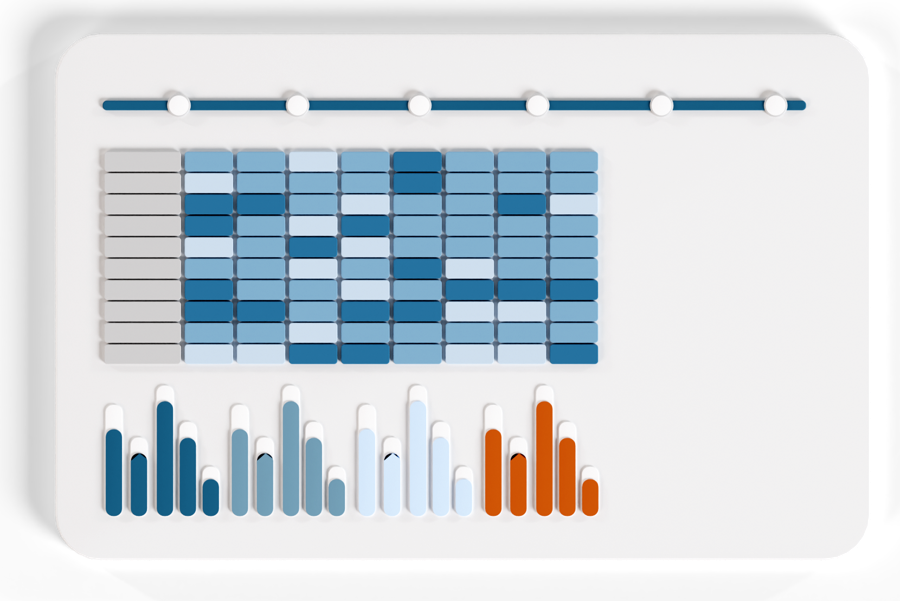
Panel and group averages
For the whole panel and per group, for example by sector. Read it as a matrix or question by question.

Accepted answers count
A questionnaire enters the averages once you have accepted it.

Private by default
Companies see nothing until you switch visibility on. Then each one sees only its own score beside the averages.
Conditional logic and KPI engine
Ask only what applies, and let the answers calculate your KPIs.
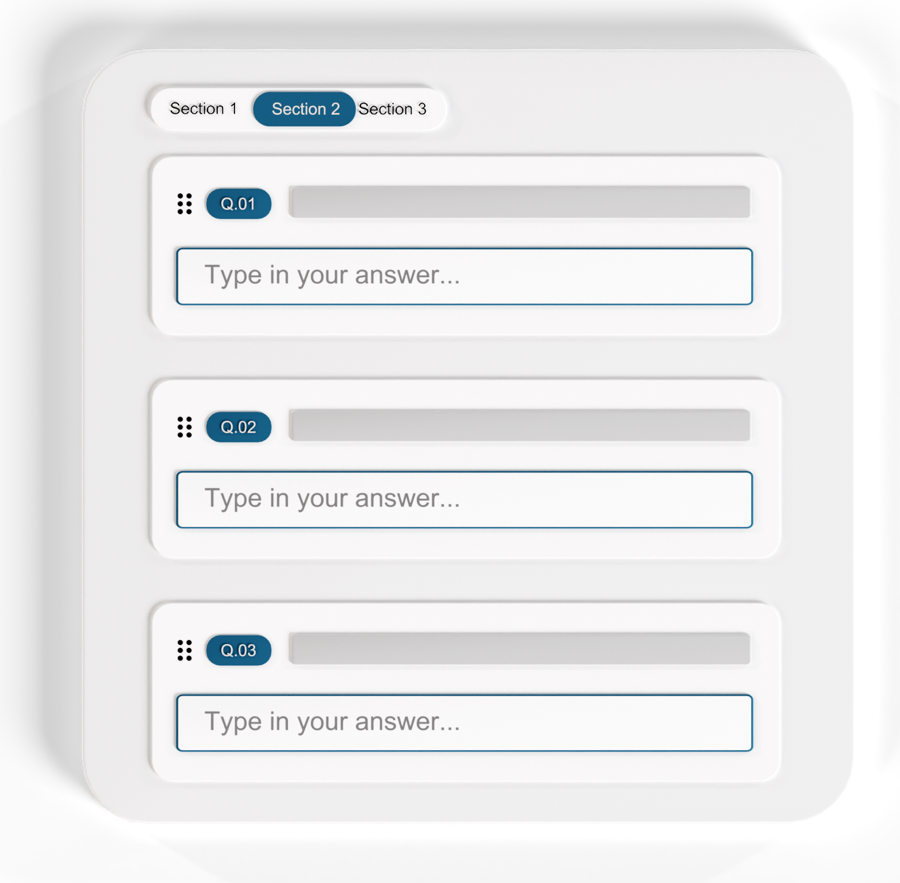
Ask what applies
A question appears when its condition holds. Nine operators, joined with AND or OR, across several earlier questions. A hidden answer is cleared, so it cannot reach results or exports.
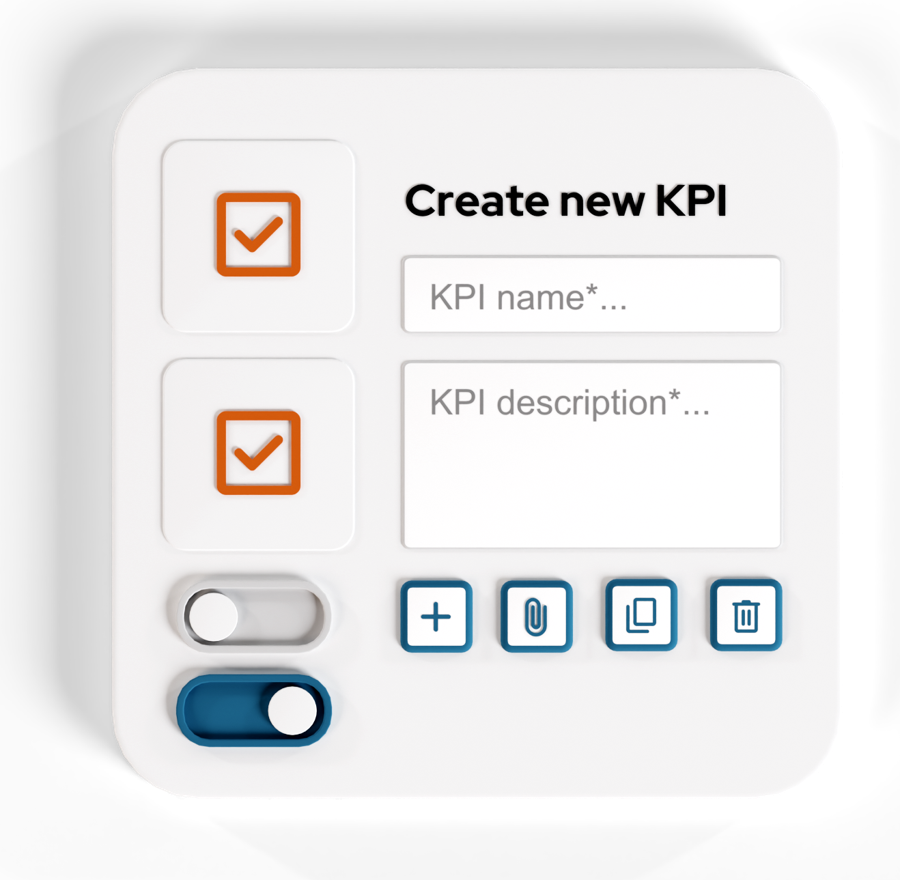
Turn answers into KPIs
A KPI copies one answer or calculates a spreadsheet-style formula over several, from the current or the previous period. Each KPI has a unit, and the formula is checked before you save.
Adding a condition to a question
Building a KPI formula
How it works
1. Create templates
Build custom questionnaires. Write the questions or let VitAI™ draft them. Choose from 16 question types, import GRI and ESRS disclosures, and add show/hide conditions.
2. Build KPI logic
Set the calculations. Set calculation formulas, units and answer weights for scoring.
3. Distribute
Send once or on a rhythm. Monthly, quarterly, half-yearly or yearly. The next period is created for you. Set deadlines and automatic reminders.
4. Collect responses
Track each respondent’s status. Respondents answer alone or with colleagues, can reuse an earlier answer, and can let VitAI™ draft answers from their documents.
5. Review and approve
Every submission passes through a person. Flag the questions that need work, add a note to each, then approve or reject. A history log lists each submission, approval and rejection.
6. Analyse and export
Scores, KPIs and results tables. Compare respondents, colour values with thresholds, and export to Excel.
Some features depend on your plan. See pricing.
Reviewing a submission and asking for a correction
Easy for the people who answer
A questionnaire only works if people complete it. QB-EDGE™ takes work off the respondent as well as the sender. The interface is available in English, Italian and French.
Answer alone or with colleagues
Several people in a company can work on the same questionnaire.
Last period beside this one
On a recurring questionnaire, previous values can be shown next to the new ones.
Draft answers from documents
Fill with VitAI™ drafts answers from the respondent’s own files. The respondent checks and applies each one.
Deadlines and reminders
Set a deadline, and reminders are emailed automatically before it.
Analytics and Excel exports
Read the results in four views, or build custom tables from questions and formulas. Thresholds colour the values and tags filter the rows. Results, a single respondent’s answers and the Benchmark all export to Excel. See how analysis and export work.
By question
Every answer to the same question, with a bar, donut, line, radar or word cloud chart.

By respondent
All answers from one respondent.

By KPIs
The KPIs of each respondent.
Comparative view
The same questions, with respondents side by side.
Beyond ESG: supply chain due diligence and value chain data
ESG is the starting point. The builder itself has no fixed topic.
You decide the questions, the scoring and the recipients. So it also handles supplier sustainability assessments and the questionnaires behind due diligence under the EU Corporate Sustainability Due Diligence Directive (CSDDD). QB-EDGE™ collects and documents the answers. The legal assessment stays with you.
- Suppliers and value chain. Send one questionnaire to your supplier list, by company or by email, then score and compare.
- Due diligence. Respondents can attach evidence files, and each rejection and approval stays in the history log.
- Other structured data requests. Business units, borrowers or award applicants: if the data fits a questionnaire, QB-EDGE™ can collect it.
Who QB-EDGE™ is built for
For the sending side: teams that ask the questions and collect the data.
Fund managers and private equity. Collect portfolio company data every period. A holding can let its funds send the questionnaire themselves.
Corporates. Ask suppliers and business units the same questions, then compare the answers.
Banks and financial institutions. Collect sustainability data from the companies you finance, and review it before use.

Award and rating organisers. Score applicants with weighted questions and show each one where it stands against the panel.
QB-EDGE™ or spreadsheets and email?
If your data requests run on a spreadsheet sent by email, here is what changes.
| Spreadsheet and email | QB-EDGE™ | |
|---|---|---|
| The questions | Often copied and edited each period | One template, reused each period |
| Relevance | Usually the full list for everyone | Conditions show only what applies |
| Follow-up | Chasing by hand | Deadlines and automatic reminders |
| Review | Comments in email threads | Flag a question, add a note, approve or reject |
| Calculation | Formulas kept in each file | KPI formulas set once and checked before saving |
| Comparison | Built by hand | Benchmark across your own panel |
| Record | Spread across files and inboxes | History log of submissions and decisions |
Want the detail? Read the white paper.
Download white paperRelated reporting frameworks
Import GRI and ESRS questions, map to five frameworks.
- Import GRI and ESRS disclosures as ready-made questions.
- Map your questions to GRI, ESRS, SASB, SFDR and VSME items, with VitAI™ suggesting mappings.
- On a mapped question, respondents see what they already answered in the linked framework and can copy it in.


Questions related to QB-EDGE™
What is ESG data collection software?
ESG data collection software is a tool for asking organisations for environmental, social and governance data in a structured way, and for checking what comes back. QB-EDGE™, made by Generation Impact Global in Geneva, does this with questionnaires. It is for the team that sends them. You build a questionnaire, send it to companies, funds or individual people, review the answers, and turn them into scores and KPIs.
How do private equity funds collect ESG data from portfolio companies?
One way is a questionnaire sent to each portfolio company at a fixed rhythm, with the same questions each period so the figures can be compared. QB-EDGE™ handles this with a recurring questionnaire: monthly, quarterly, half-yearly or yearly. The next period is created automatically. If you switch on comparison, previous-period values appear beside the current ones. You approve each submission or send it back with notes, and KPIs are calculated from the answers.
Can AI fill in an ESG questionnaire from our documents?
Yes. QB-EDGE™ lets respondents add their documents, and VitAI™ drafts answers for one question or for the whole questionnaire. It works on 14 of the 16 question types. The other two, read-only descriptions and images, take no answer. Questions imported from GRI or ESRS are answered by hand. Each draft is shown beside the passage it came from. Nothing is written until a person applies it in the review, and applied answers keep a version history.
How does ESG questionnaire scoring and benchmarking work?
QB-EDGE™ scores answers from weights you put on answer options in single choice, multiple choice and yes/no questions. With weights from 0 to 100, scores read on a 0 to 100 scale. The Benchmark averages the questionnaires you have accepted, across your own panel and per group, for example per sector. No outside market data goes into it. If you switch visibility on, each company sees its own position, never another company’s.
Can I use QB-EDGE™ for supplier sustainability assessments and CSDDD due diligence?
Yes, for the data collection part. You can build a supplier questionnaire, send it to companies or to external contacts by email, score the answers, and keep a record of rejections and approvals. That is the questionnaire work behind supply chain due diligence, for example under the EU Corporate Sustainability Due Diligence Directive (CSDDD). QB-EDGE™ collects and documents the data. It does not replace your legal assessment.
Which frameworks does QB-EDGE™ map to (GRI, ESRS, SASB, SFDR, VSME)?
QB-EDGE™ lets you map questions to five frameworks: GRI, ESRS, SASB, SFDR and VSME. Two of them, GRI and ESRS, can also be imported as ready-made questions. VitAI™ can suggest mappings. On a mapped question, respondents see compatible answers they have already given in the linked framework and can copy them into the questionnaire.
How is QB-EDGE™ different from a general survey tool?
QB-EDGE™ adds review and calculation steps around the questionnaire. You can ask for corrections question by question, then approve or reject each submission. Questionnaires can recur, with last period’s values shown for comparison. There is a KPI engine, weighted scoring with a benchmark, and mapping to GRI, ESRS, SASB, SFDR and VSME. The interface is in English, Italian and French. Each questionnaire template is written in one language.
Is there a free account for QB-EDGE™?
Yes. Generation Impact Global offers a free account, which you open yourself with “Start free”. Which QB-EDGE™ features you get depends on your plan. VitAI™ actions use credits, and the cost is shown before each run. Check the pricing page for current plan details, or request a demo and we will walk you through it.
Stay up to date
Keep up with changes on policies, legislations and technologies.
 Read more: Data collection software for companies, not people: questionnaires with review and approval
Data collection software for companies, not people: questionnaires with review and approval
 Read more: FRC Issues Guidance on Auditor Independence and Technology Use
FRC Issues Guidance on Auditor Independence and Technology Use
 Read more: EFRAG Opens Consultation on IASB Post-Implementation Review of IFRS 9 Hedge Accounting
EFRAG Opens Consultation on IASB Post-Implementation Review of IFRS 9 Hedge Accounting