
3Step 3 of 6
Distribute questionnaires with QB-EDGE™
Send it once. Or every quarter.
Distributing is the third step in QB-EDGE™ by Generation Impact Global (GIG). The sender picks a template and chooses who receives it, how often and by when. QB-EDGE™ then emails the invitation, creates the next period and sends the reminders.
Explore QB-EDGE™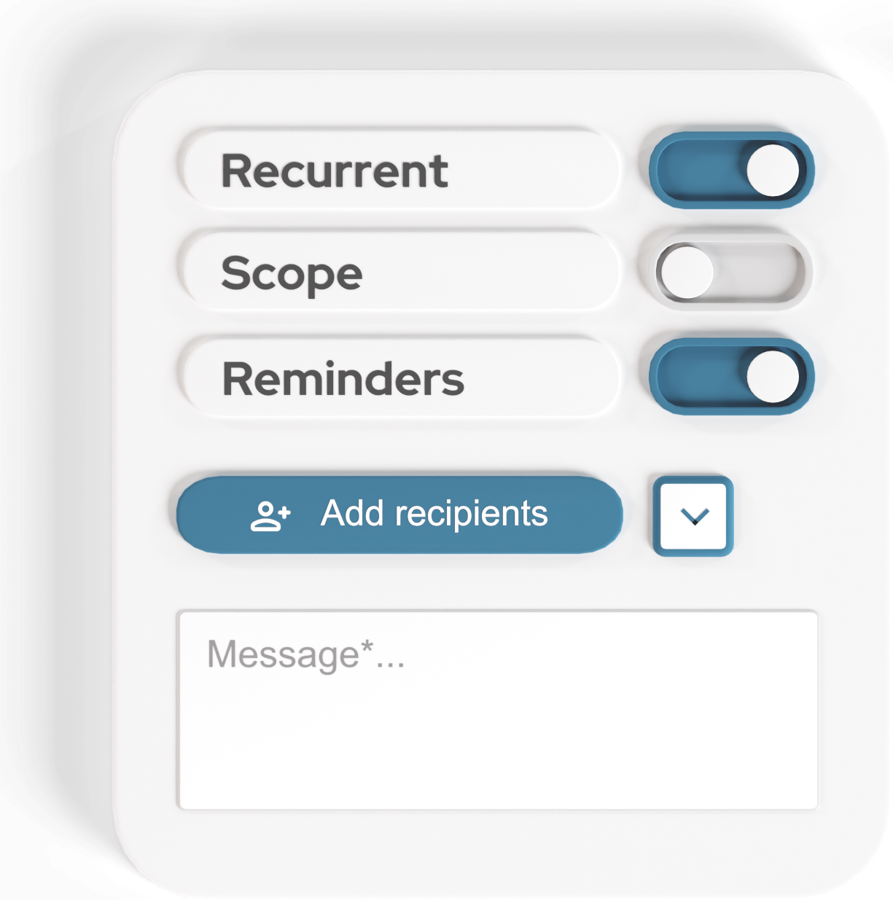
At a glance
4
rhythms
Monthly, quarterly, half-yearly or yearly.
4
kinds of recipient
Companies, funds, outside contacts by email, colleagues.
1
deadline per period
Set it for each period. Change it after sending.
Automatic
reminders
Emailed a set number of days before the deadline.
Who can I send a questionnaire to?
You can send a QB-EDGE™ questionnaire to four kinds of recipient.
Companies
Pick them one by one, by group, or send to every linked company with one switch
Funds
Pick them as recipients. A holding can also let its funds send the questionnaire out
Outside contacts
By email. Register them once as external users, one by one or by import, then select them
Colleagues
As internal users
You write the subject and the message of the email yourself.
Sending a questionnaire
How do recurring questionnaires work?
Choose a rhythm, and QB-EDGE™ creates the next period for you.
- Q1
- Q2created for you
- Q3
- Q4
- Four rhythms: monthly, quarterly, half-yearly, yearly.
- You can switch the automatic step off and create the next period by hand.
- Switch on “Comparability with previous period”, and last period’s values appear beside the current ones.
Choosing the rhythm
What carries over to the next period?
Most settings carry over, and two are set again each period.
Carried over
- The template
- Comparison, reporting scope and explanation options
- The default privacy policy
- The reminders
- Benchmark settings: grouping, empty-answer rule, colour ranges
Set again each period
- The deadline
- Benchmark visibility to companies (it starts switched off)
Set it up once. Check two things each period: the deadline and who sees the Benchmark.
How do deadlines and reminders work?
You set a deadline, add reminders before it, and QB-EDGE™ emails them for you.
- 14 days before
- 7 days before
- 2 days before
- Deadline
- Optional lock
- Set the deadline. You can change it after sending.
- Add reminders. Each one is a number of days before the deadline.
- QB-EDGE™ sends them. Only to recipients who have not yet submitted or been approved.
- Lock, if you wish. One option blocks submissions once the deadline has passed.
A log of sent reminders is kept.
What else can I set when I send?
QB-EDGE™ gives the sender five more options.
- Reporting scope Each respondent states which of its locations are included. Numeric answers can be broken down per location
- Explanation “Require recipients to provide additional context for each answer”
- Privacy policy Add your text, and recipients must accept it before they answer
- Template version Choose which version of the template to send
- Folders Sort sent questionnaires into folders, each with a colour and an icon
Worked example
Example. The holding, the companies and the dates are invented.
Demo Holding (example) sends “Yearly energy data 2026”.
| Setting | Choice |
|---|---|
| Recipients | 12 companies picked by group, plus 3 outside contacts by email |
| Rhythm | Annually, next period created automatically |
| Deadline | 31 March 2027 |
| Reminders, set after sending | 14, 7 and 2 days before the deadline |
| Lock after the deadline | On |
What happens:
| Date | Event |
|---|---|
| 17 March 2027 | First reminder, to those who have not submitted |
| 24 March 2027 | Second reminder |
| 29 March 2027 | Third reminder |
| 31 March 2027 | Deadline. After it, submissions are blocked |
For the next period, Demo Holding sets a new deadline. The template and the reminders carry over.
Good to know
- No “send a reminder now” button. Reminders go out automatically before the deadline. They cannot be sent by hand.
- The deadline does not repeat. You set it for each period.
- Email only. Invitations, reminders, approvals and correction requests arrive by email. QB-EDGE™ has no in-app notifications for them.
Questions about distributing questionnaires in QB-EDGE™
Who can receive a QB-EDGE™ questionnaire?
QB-EDGE™ sends questionnaires to companies, funds, outside contacts by email and colleagues. Companies can be picked by group. Outside contacts can be imported in bulk.
How often can a questionnaire repeat?
QB-EDGE™ has four rhythms: monthly, quarterly, half-yearly and yearly. The next period is created for you. You can also send a questionnaire once.
Can I send a reminder by hand?
No. In QB-EDGE™ reminders are automatic. You set each one a number of days before the deadline, and it is emailed to recipients who have not yet submitted or been approved.
Can I change the deadline after sending?
Yes. In QB-EDGE™ the deadline can be changed after the questionnaire has gone out. Each period has its own deadline.
What happens when the deadline passes?
That depends on one option. QB-EDGE™ can block recipients from submitting answers once the deadline has passed. You choose whether to switch it on.
Open a free account, or ask us for a walk-through.
Some features depend on your plan. See pricing.
Stay up to date
Keep up with changes on policies, legislations and technologies.
 Read more: European Commission Adopts Simplified Technical Criteria for EU Taxonomy
European Commission Adopts Simplified Technical Criteria for EU Taxonomy
 Read more: The EU Taxonomy gets new screening criteria: what changes, for whom, and when
The EU Taxonomy gets new screening criteria: what changes, for whom, and when
 Read more: EFRAG Invites Non-SME Entities Outside CSRD Scope to Join Voluntary Sustainability Reporting Engagement
EFRAG Invites Non-SME Entities Outside CSRD Scope to Join Voluntary Sustainability Reporting Engagement