Sustainability data from your suppliers and business units
One questionnaire. Each supplier sees only the questions that apply.
QB-EDGE™ by Generation Impact Global (GIG), Geneva, is sustainability data collection and questionnaire software. Companies can use it to send one questionnaire to suppliers and to their own business units, review each submission and calculate KPIs from the answers.
Explore QB-EDGE™
QB-EDGE™
The problem
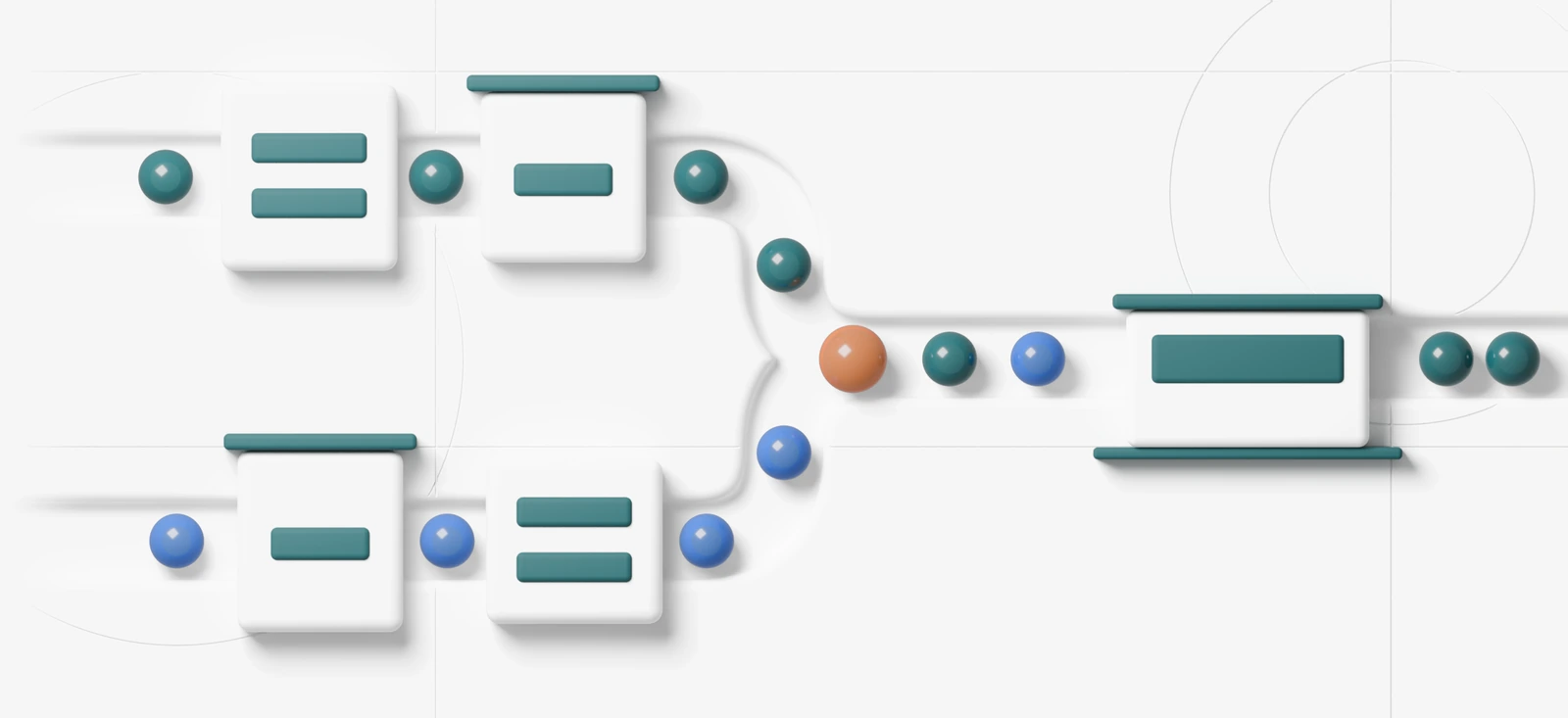
Supplier and site data arrive in pieces
Three things that hold the report up
- Questions that do not apply. A haulier and a packaging maker get the same long form, and each skips half of it.
- Totals nobody can trace. A group figure arrives, and it does not say which sites it covers.
- Reminders sent by hand. Someone keeps a list of who has not replied and writes to each of them.

How to set it up in QB-EDGE™
Six steps, from the first template to the Excel file. This page is an example set-up: a manufacturer that asks its suppliers for sustainability data once a year. The manufacturer is invented. The page shows how the product can be configured and does not describe a named customer.
1. Build the questionnaire
Start from the form you already send
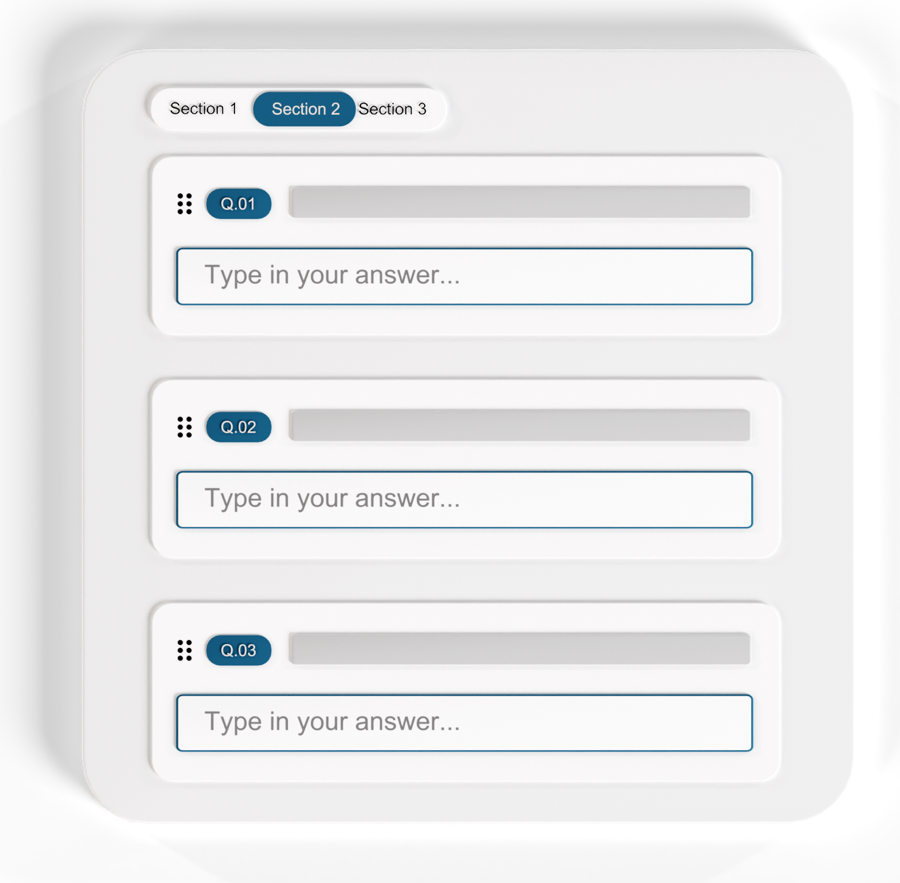
Upload your current supplier form as a PDF, Word, Excel or CSV file, and VitAI™ copies it into a template. Or describe a new one and VitAI™ drafts the questions, up to 150 in a run. You review everything in the editor.
2. Show each supplier only what applies
One condition per sector
Ask for the supplier’s sector in a single choice question. A condition then shows the transport questions only to suppliers that chose transport.
A condition can combine several earlier answers with AND or OR. When an answer hides a question, the answer stored for it is cleared.
Adding a condition to a question
3. Send it and set the deadline
Supplier companies, contacts by email, colleagues
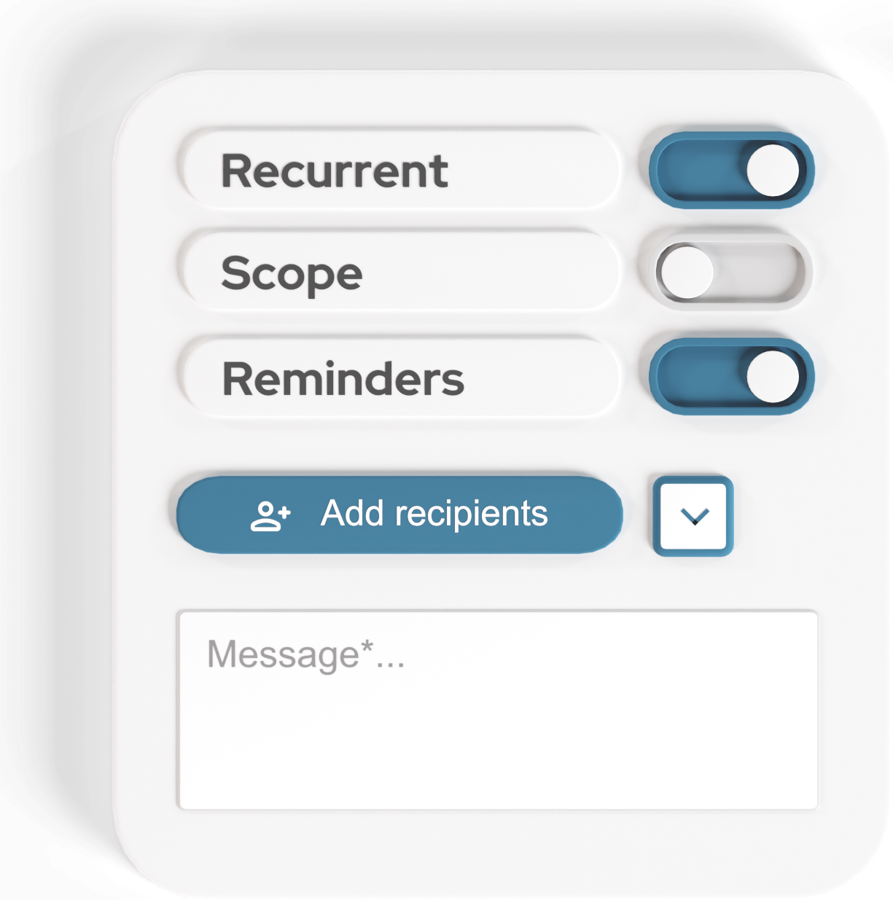
Send the questionnaire to supplier companies, to outside contacts by email and to colleagues in your business units. Outside contacts can be imported in bulk.
Set a deadline, and add reminders a set number of days before it. QB-EDGE™ emails each reminder to the recipients who have not yet submitted. For a yearly round, make the questionnaire recurring and the next period is created for you.
4. Let suppliers draft answers from their documents
Each draft sits beside the passage it came from
A supplier company can add its documents, for example a sustainability report, and VitAI™ looks for evidence for each question. Nothing is saved until a person applies it in the review.
Fill with VitAI™ is not offered on a questionnaire sent to one named person. Suppliers can also attach evidence files to an answer.
Drafting answers from documents
5. Review every submission
Approve it, or send it back with notes
Read each supplier’s answers. Flag the questions that need work and add a note to each, then approve or reject. The supplier sees your notes and can send a corrected version. The history log lists each submission, rejection and approval.
6. Calculate KPIs and export
One formula, applied to every respondent
A KPI copies one answer or calculates a spreadsheet-style formula over several. Example: renewable electricity divided by total electricity, times 100. Each KPI has a unit, and the formula is checked before you save.
Results, a single respondent’s answers and the Benchmark all export to Excel.
Building a KPI formula
A results table with thresholds
Data from your own business units
The same tool, inside your group
QB-EDGE™ also collects figures from your own sites. Send the questionnaire to your group companies, or to named colleagues as internal users, every month, quarter, half-year or year.
- Answering together. Colleagues at one company who fill in the same questionnaire see each other’s saved answers live, and who is editing a field.
- Figures per location. With reporting scope on, each respondent states which of its locations are included. Numeric answers can be broken down per location.
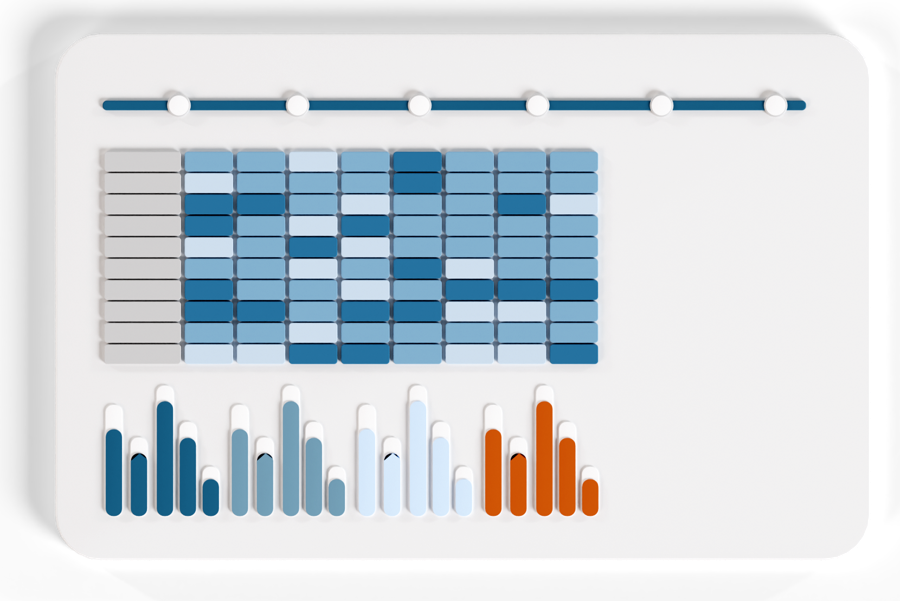
- Tables with thresholds. In Analytics you build tables from questions and formulas. Thresholds colour the values.
What you get
Answers in one format, with a record of each round
- Shorter forms for suppliers. Conditions hide the questions that do not apply.
- A record of each round. The history log keeps each submission, rejection and approval. Each answer keeps its version history.
- KPIs and scores per respondent. KPIs come from your formulas, scores from answer weights. Both export to Excel.
Frameworks. Map your questions to GRI, ESRS, SASB, SFDR and VSME items. GRI and ESRS disclosures can be imported as ready-made questions.
Smaller suppliers. EU law limits what a large company may ask a smaller supplier for its sustainability report. See the question on smaller suppliers below.
Some features depend on your plan. See pricing.

Questions companies ask about QB-EDGE™
How do companies collect sustainability data from suppliers?
One way is a single online questionnaire sent to every supplier, with conditions so that each supplier sees only the questions that apply to it. QB-EDGE™ by Generation Impact Global works this way. You send the questionnaire to supplier companies or to outside contacts by email, set a deadline and reminders, then approve each submission or send it back with notes.
Can one questionnaire work for suppliers in different sectors?
Yes. In QB-EDGE™ a question is shown only when its condition holds. There are nine operators, among them equals, contains and greater than, and a condition can combine several earlier answers with AND or OR. When an answer hides a question, the answer stored for it is cleared.
How much can we ask a smaller supplier?
EU law sets a limit. Under Directive (EU) 2026/470, a company that reports under the Corporate Sustainability Reporting Directive (CSRD) may not require a value chain company with up to 1,000 employees to give more information for its sustainability report than the EU standards for voluntary use specify. Requests made for other purposes, such as due diligence, are not covered, and EU countries have until 19 March 2027 to put the rule into national law. QB-EDGE™ does not check a questionnaire against that limit. This is a summary, not legal advice.
Can we collect data from our own sites and business units too?
Yes. QB-EDGE™ sends questionnaires to group companies and to named colleagues as well as to suppliers. With reporting scope switched on, each respondent states which of its locations are included, and numeric answers can be broken down per location.
Can suppliers use AI to answer the questionnaire?
Yes, on a questionnaire sent to a company. In QB-EDGE™ the supplier adds its documents and VitAI™ drafts answers, each shown beside the passage it came from. Nothing is saved until a person applies it in the review. Fill with VitAI™ is not offered on a questionnaire sent to one named person.
Does QB-EDGE™ score suppliers?
It can. Put a weight on answer options and QB-EDGE™ gives a score per supplier. The Benchmark averages the questionnaires you have accepted, across the whole panel and per group. QB-EDGE™ does not rate risk or decide which supplier to keep. That decision stays with you.
See it with your own supplier form
Open a free account, or ask us for a walk-through.

Stay up to date
Keep up with changes on policies, legislations and technologies.
 Read more: European Banking Authority Backs NGFS Energy Transition Declaration at COP31
European Banking Authority Backs NGFS Energy Transition Declaration at COP31
 Read more: SEC Proposes Principles-Based Executive Compensation Disclosure Reforms
SEC Proposes Principles-Based Executive Compensation Disclosure Reforms
 Read more: European Commission opens consultation on limited assurance standards for sustainability reporting
European Commission opens consultation on limited assurance standards for sustainability reporting