Sustainability data from the companies you finance
One questionnaire per client, reviewed and logged.
QB-EDGE™ by Generation Impact Global (GIG), Geneva, is ESG data collection and questionnaire software. Banks and other financial institutions can use it to send a sustainability questionnaire to the companies they finance, review each submission and keep a log of every round.
Explore QB-EDGE™
QB-EDGE™
The problem
Client data, one relationship at a time
Three gaps in the client file
- A form per team. Each relationship manager sends a different Word form, so two clients’ answers cannot be put side by side.
- The same form for every client. A ten-person firm gets the questions written for a listed group.
- Answers with no trail. A figure sits in the file, with no note of who sent it or what was sent back.

How to set it up in QB-EDGE™
Six steps, from the form you use today to the Excel file. This page is an example set-up: a regional bank that sends its business clients a sustainability questionnaire once a year. The bank is invented. The page shows how the product can be configured and does not describe a named customer.
Drafting from a description
1. Copy the form you use today
Order and wording are kept
Upload the form you use today as a PDF, Word, Excel or CSV file. VitAI™ copies it into a template and turns “if yes, go to” skips into conditions. A scanned PDF without text is not read. Or describe a new questionnaire and VitAI™ drafts it. You review everything in the editor.
2. Fit the questions to the client
Small firms see a shorter form
Ask for the number of employees in a number question. A condition then shows the detailed energy questions only when the answer is greater than 250.
On a number question a condition can use equals, greater than, less than and between. Rules join with AND or OR.
Adding a condition to a question
3. Send it, once or every year
To a client company or a contact by email
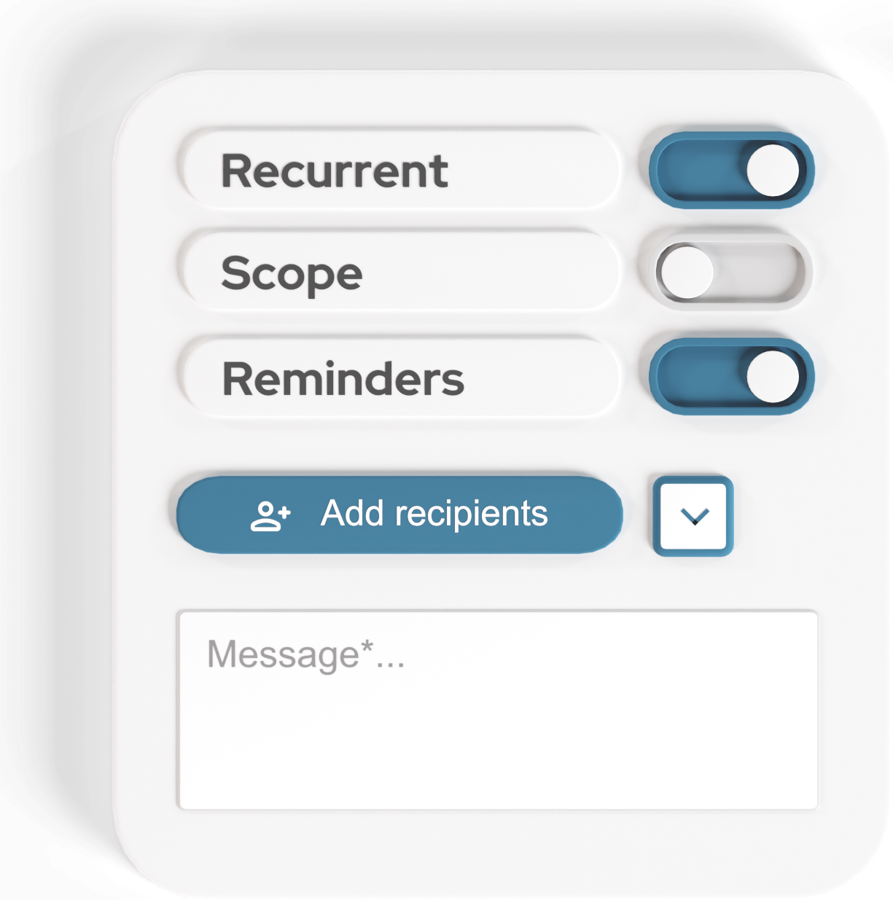
Send the questionnaire to client companies, or to an outside contact by email. You write the subject and the message of the invitation. You can add a privacy policy that recipients must accept before they answer.
For a yearly round, make it recurring and switch on comparison. Last year’s values then appear beside this year’s. Set a deadline and reminders, and QB-EDGE™ emails each reminder to the clients who have not yet submitted.
4. Review and ask for corrections
See each client’s status
The overview shows each client’s status, such as waiting for approval or awaiting correction. Flag the questions that need work and add a note to each. The client sees your notes and can send a corrected version.
Reviewing a submission and asking for a correction
Building a KPI formula
5. Calculate KPIs per client
The same formula for every client
A KPI copies one answer or calculates a spreadsheet-style formula over several. Example: Scope 1 and Scope 2 greenhouse gas emissions added together, then divided by turnover. Each KPI has a unit, and the formula is checked before you save.
A formula can also use an answer from the previous period.
6. Keep the log and export
Every round is listed
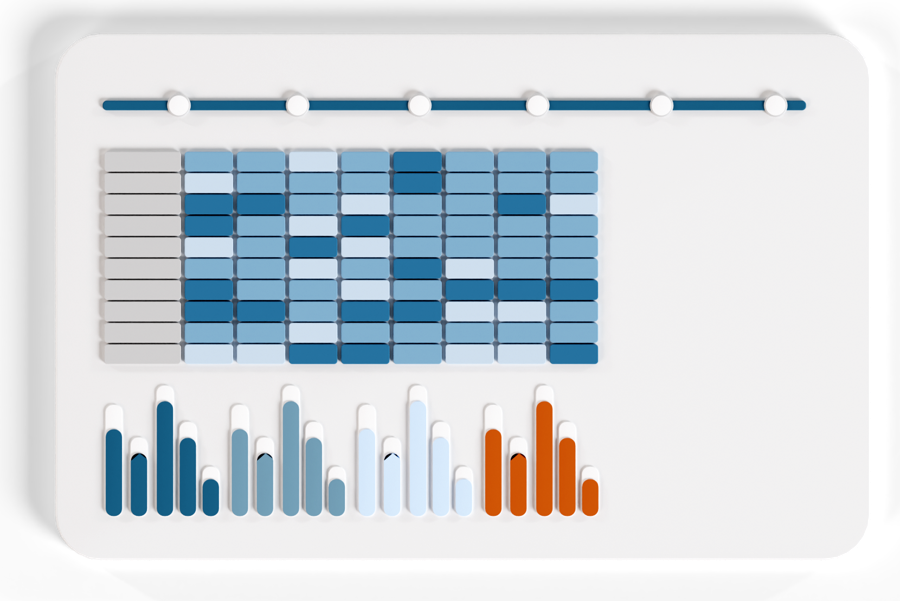
The history log lists each submission, approval and rejection for a client, with the questions flagged in each rejection. Each answer keeps its version history.
Results, a single client’s answers and the Benchmark all export to Excel.
A questionnaire for a new client
Before the loan as well as after it
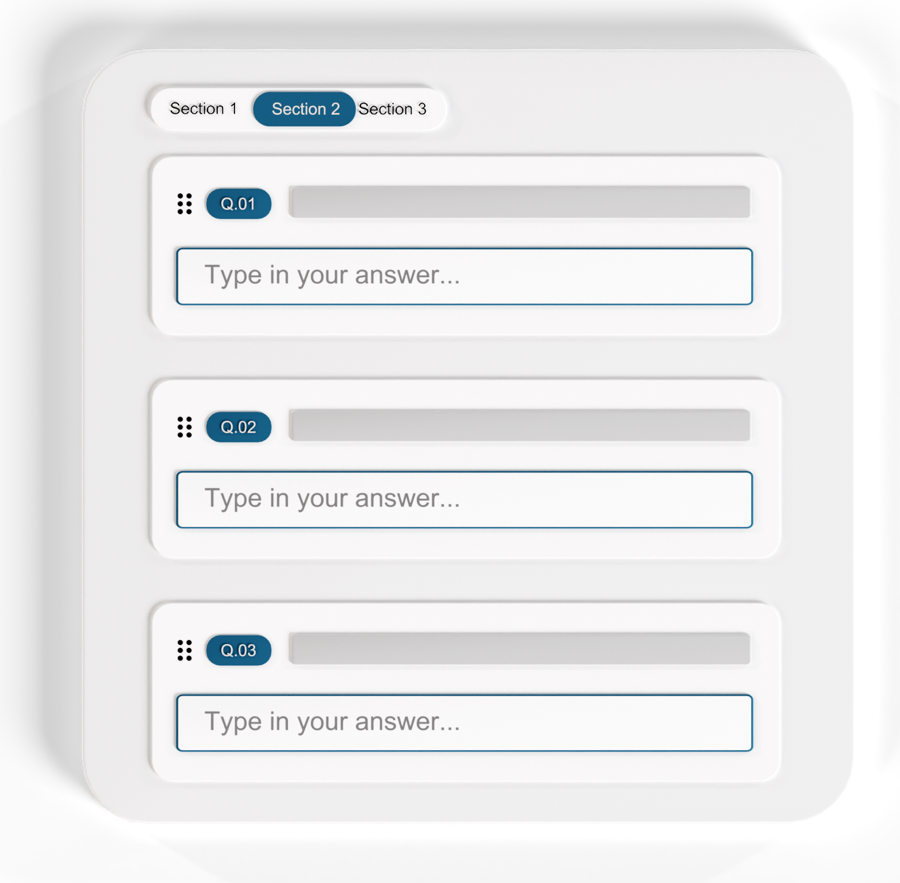
QB-EDGE™ also handles one-off questionnaires. Send one to a company, or to a contact by email, before a credit decision. No recurring series is needed.
- Evidence files. The client can attach evidence files to an answer.
- A score, if you want one. A weight per answer option gives a score per client.
- Your decision. QB-EDGE™ collects and documents the answers. It does not assess credit or risk. That stays with the bank.
What you get
Client answers you can compare and trace
- One form for every client. The same questions go to each client, and conditions shorten the form for smaller firms.
- A log of each round. Submissions, rejections and approvals are listed per client. Each answer keeps its version history.
- KPIs per client. Calculated by your formulas and exported to Excel.
Frameworks. Map your questions to GRI, ESRS, SASB, SFDR and VSME items. GRI and ESRS disclosures can be imported as ready-made questions.
Some features depend on your plan. See pricing.
Questions banks ask about QB-EDGE™
How can a bank collect ESG data from its borrowers?
One way is a single online questionnaire sent to each business client, once or every year, with the same questions so that answers can be compared. QB-EDGE™ by Generation Impact Global works this way. You send the questionnaire to client companies or to a contact by email, set a deadline and reminders, then approve each submission or send it back with notes.
Does QB-EDGE™ make credit or risk decisions?
No. QB-EDGE™ collects the answers, calculates the KPIs and scores you define, and keeps a log of each submission, rejection and approval. It does not assess credit or risk. Those decisions stay with the bank.
Can small and large clients get different questions?
Yes. In QB-EDGE™ a question is shown only when its condition holds. For example, a condition on a number question can show a question only when the client has more than 250 employees. Conditions can combine several earlier answers with AND or OR.
Can clients see how they compare with other clients?
Only if you decide so. In QB-EDGE™ the Benchmark is not shown to respondents unless you switch visibility on. When it is on, a client sees its own score beside the panel average and its group average, after its own questionnaire is accepted. It never sees another client’s name or score.
Is there a record of each submission?
Yes. In QB-EDGE™ the history log lists each submission, approval and rejection for a client, with the questions flagged in each rejection. Each answer keeps its version history, and changes to answers are written to the platform audit log.
Which formats can we export?
Excel. QB-EDGE™ exports results for the clients you select, a single client’s answers, and the Benchmark.
See it with your own client questionnaire
Open a free account, or ask us for a walk-through.

Stay up to date
Keep up with changes on policies, legislations and technologies.
 Read more: European Banking Authority Backs NGFS Energy Transition Declaration at COP31
European Banking Authority Backs NGFS Energy Transition Declaration at COP31
 Read more: SEC Proposes Principles-Based Executive Compensation Disclosure Reforms
SEC Proposes Principles-Based Executive Compensation Disclosure Reforms
 Read more: European Commission opens consultation on limited assurance standards for sustainability reporting
European Commission opens consultation on limited assurance standards for sustainability reporting