Score applicants for an award or a rating
Weighted questions, one score per applicant, a benchmark for all of them.
QB-EDGE™ by Generation Impact Global (GIG), Geneva, is questionnaire and data collection software. Award and rating organisers can use it to score applicants with weighted questions and to show each applicant where it stands against the average of all accepted entries.
Explore QB-EDGE™
QB-EDGE™

The problem
Scoring in a spreadsheet
Three places where a programme loses trust
- Points typed by hand. One wrong cell changes a score, and nobody notices.
- Two reviewers, two results. The same answer gets different points, depending on who reads it.
- Feedback that says little. An applicant learns that it did not win. It does not learn where it stood.

How to set it up in QB-EDGE™
Six steps, from the first question to the applicant’s result. This page is an example set-up: a yearly sustainability award with applicants in three size classes. The award is invented. The page shows how the product can be configured and does not describe a named customer.
Drafting from a description
1. Draft the questionnaire
VitAI™ proposes questions and weights
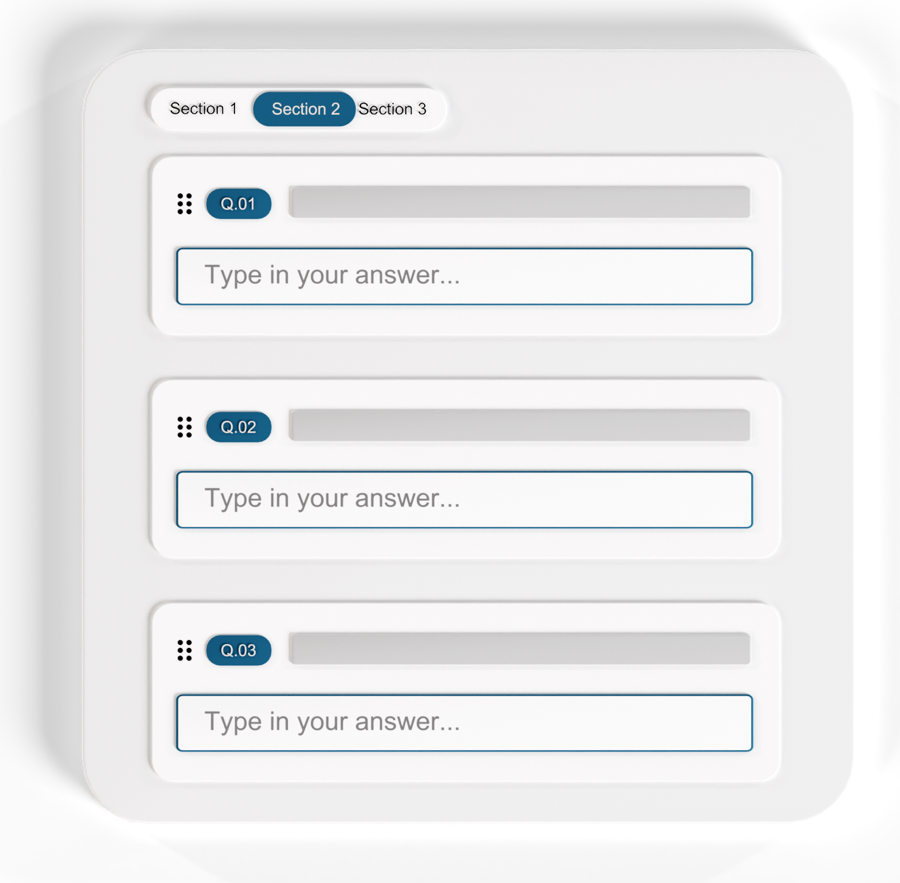
Describe the award and its criteria, and VitAI™ drafts the questions, up to 150 in a run. It can also draft answer weights and show/hide conditions, and it leaves notes on what it decided. You review everything in the editor.
2. Set the weights
Points sit on the answer options
Give each option of a single choice or multiple choice question a weight. A yes/no question takes one weight for each answer. On a multiple choice question, the highest weight among the chosen options counts.
An option left without a weight is not scored, which suits “Not applicable”. Set weights from 0 to 100 and scores read on a 0 to 100 scale.
From answer weights to the Benchmark
3. Open the call
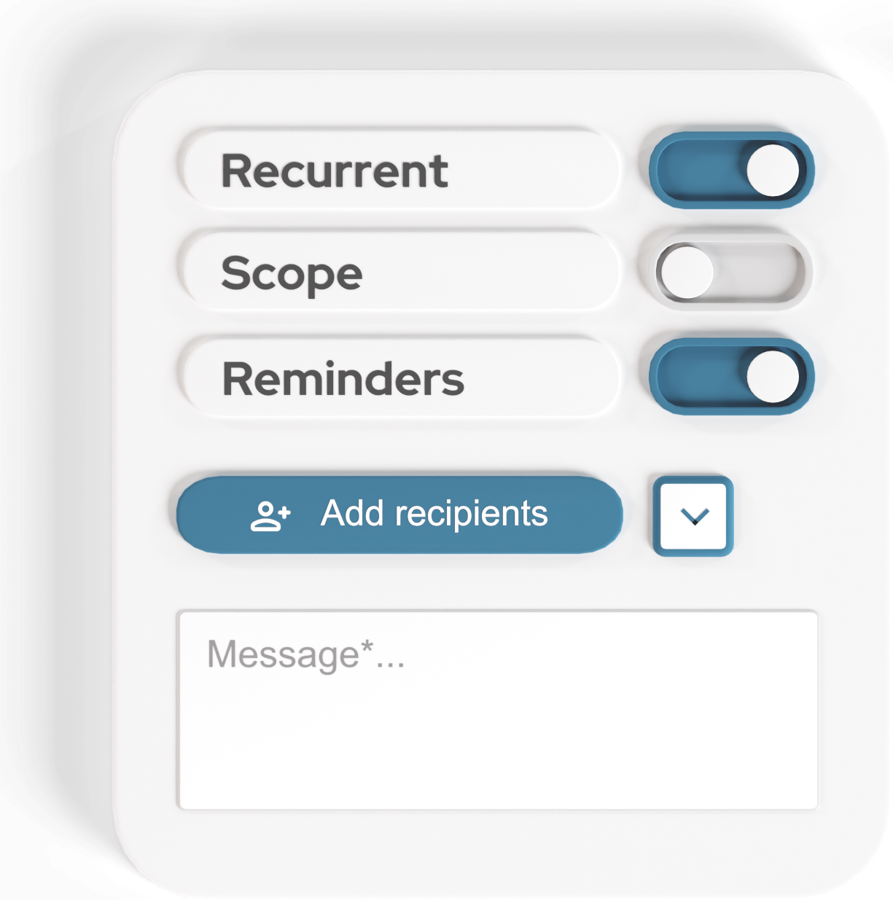
A deadline that closes the entry
Send the questionnaire to applicant companies, or to applicants by email. An introduction page can carry the rules of the award.
Set a deadline and reminders. You can block answers once the deadline has passed.
4. Check each entry
Only accepted entries count in the averages
Read each entry. Flag the questions that need work and add a note to each, then approve or reject. The applicant sees your notes and can send a corrected version. Applicants can attach evidence files to an answer.
Reviewing a submission and asking for a correction
5. Read the Benchmark
Averages for all applicants and per size class
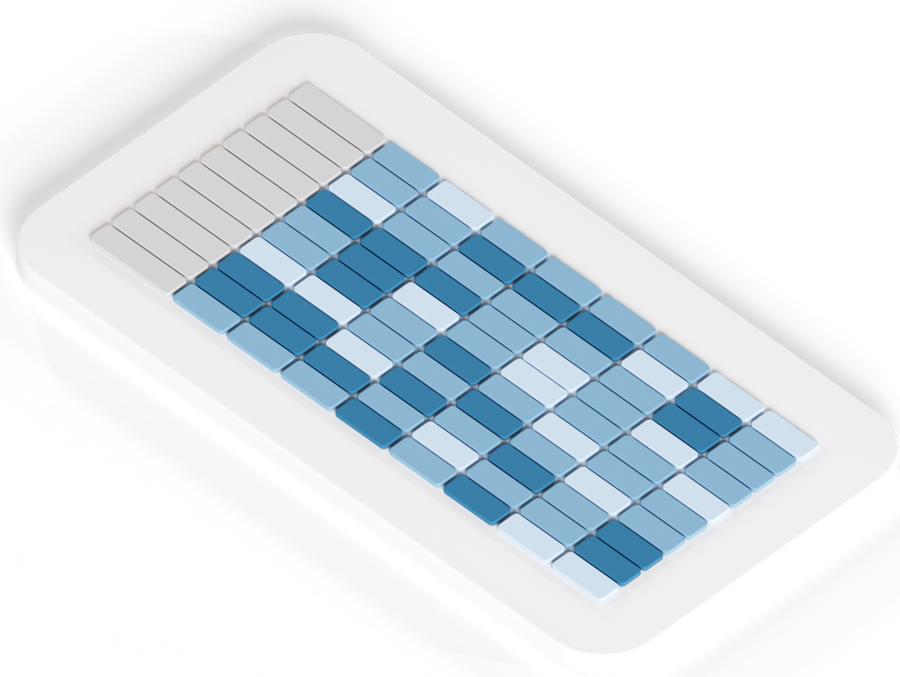
The Benchmark averages the accepted entries, for the whole panel and per group. You choose the single choice question that sets the group, for example the size class.
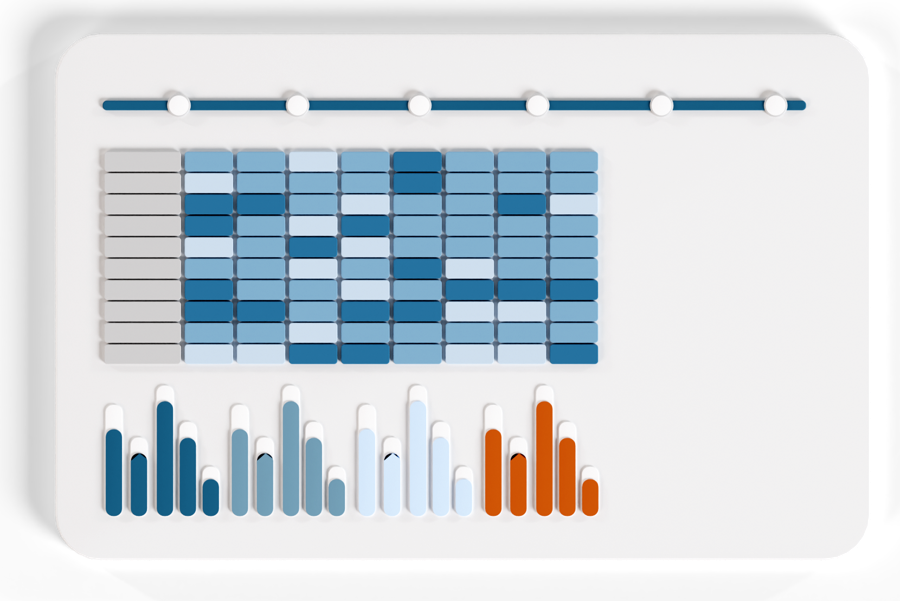
Averages are shown per question, per section and overall, in a matrix or by question. Up to eight colour ranges mark the score bands.
6. Show each applicant where it stands
Off until you switch it on
Applicants do not see the Benchmark unless you switch visibility on. “Preview as company” shows you what one applicant would see.
When visibility is on, an applicant sees its own score beside the panel average and its group average, after its own entry is accepted. It never sees another applicant’s name or score. The Benchmark exports to Excel.

A results table with thresholds
Ratings that repeat
The same criteria, every period
For a rating that runs every year or every quarter, make the questionnaire recurring. The next period is created for you. Grouping and colour ranges carry over. Visibility goes back to off.
- This period beside the last. Switch on comparison, and last period’s values appear beside the current ones.
- Tables with thresholds. In Analytics you build tables from questions and formulas. Thresholds colour the values.
- Your decision. QB-EDGE™ calculates the scores. It does not pick a winner or issue a rating.
What you get
Scores you can explain to every applicant
- One rule for everyone. The same weights score every entry.
- A record of each round. The history log keeps each submission, rejection and approval.
- Feedback without names. Each applicant sees its own score beside the averages, never another applicant’s.
Frameworks. Map your questions to GRI, ESRS, SASB, SFDR and VSME items. GRI and ESRS disclosures can be imported as ready-made questions.
Some features depend on your plan. See pricing.
Questions award and rating organisers ask about QB-EDGE™
What software can run an award or rating programme with scored questionnaires?
QB-EDGE™ by Generation Impact Global is one option. You put weights on answer options, send the questionnaire to applicants, and approve each entry or send it back with notes. The Benchmark then averages the scores of all accepted entries, for the whole panel and per group.
How is an applicant’s score calculated?
From the weights you put on answer options. In QB-EDGE™, single choice and multiple choice options each take a weight, and a yes/no question takes one weight per answer. A multiple choice question scores the highest weight among the chosen options. An option without a weight is left out of scoring. In the averages, empty answers can be skipped or counted as zero.
Can applicants see each other’s scores?
No. In QB-EDGE™ an applicant sees only its own score beside the panel average and its group average. No other applicant’s name or score is shown.
When does an applicant see its result?
Only after you switch visibility on, and only after its own entry is accepted. Visibility is off by default in QB-EDGE™. Before you switch it on, “Preview as company” shows you what one applicant would see.
Can we compare applicants within a size class or sector?
Yes. In QB-EDGE™ you choose one single choice question, for example the size class, as the grouping question. The Benchmark then shows averages for the whole panel and for each group.
Can we export the scores?
Yes, to Excel. QB-EDGE™ exports the Benchmark, results for the applicants you select, and a single applicant’s answers.
See it with your own criteria
Open a free account, or ask us for a walk-through.
Stay up to date
Keep up with changes on policies, legislations and technologies.
 Read more: European Banking Authority Backs NGFS Energy Transition Declaration at COP31
European Banking Authority Backs NGFS Energy Transition Declaration at COP31
 Read more: SEC Proposes Principles-Based Executive Compensation Disclosure Reforms
SEC Proposes Principles-Based Executive Compensation Disclosure Reforms
 Read more: European Commission opens consultation on limited assurance standards for sustainability reporting
European Commission opens consultation on limited assurance standards for sustainability reporting